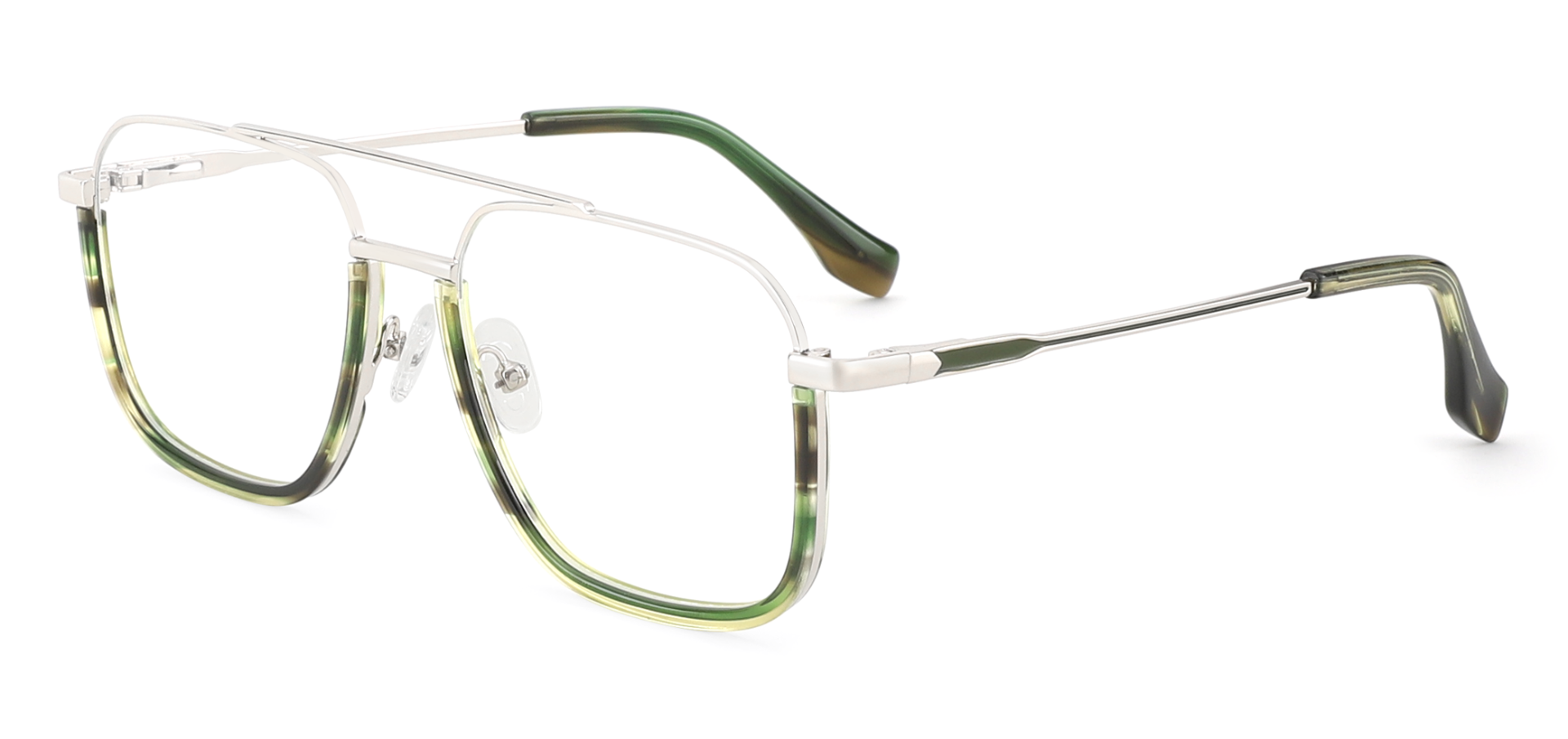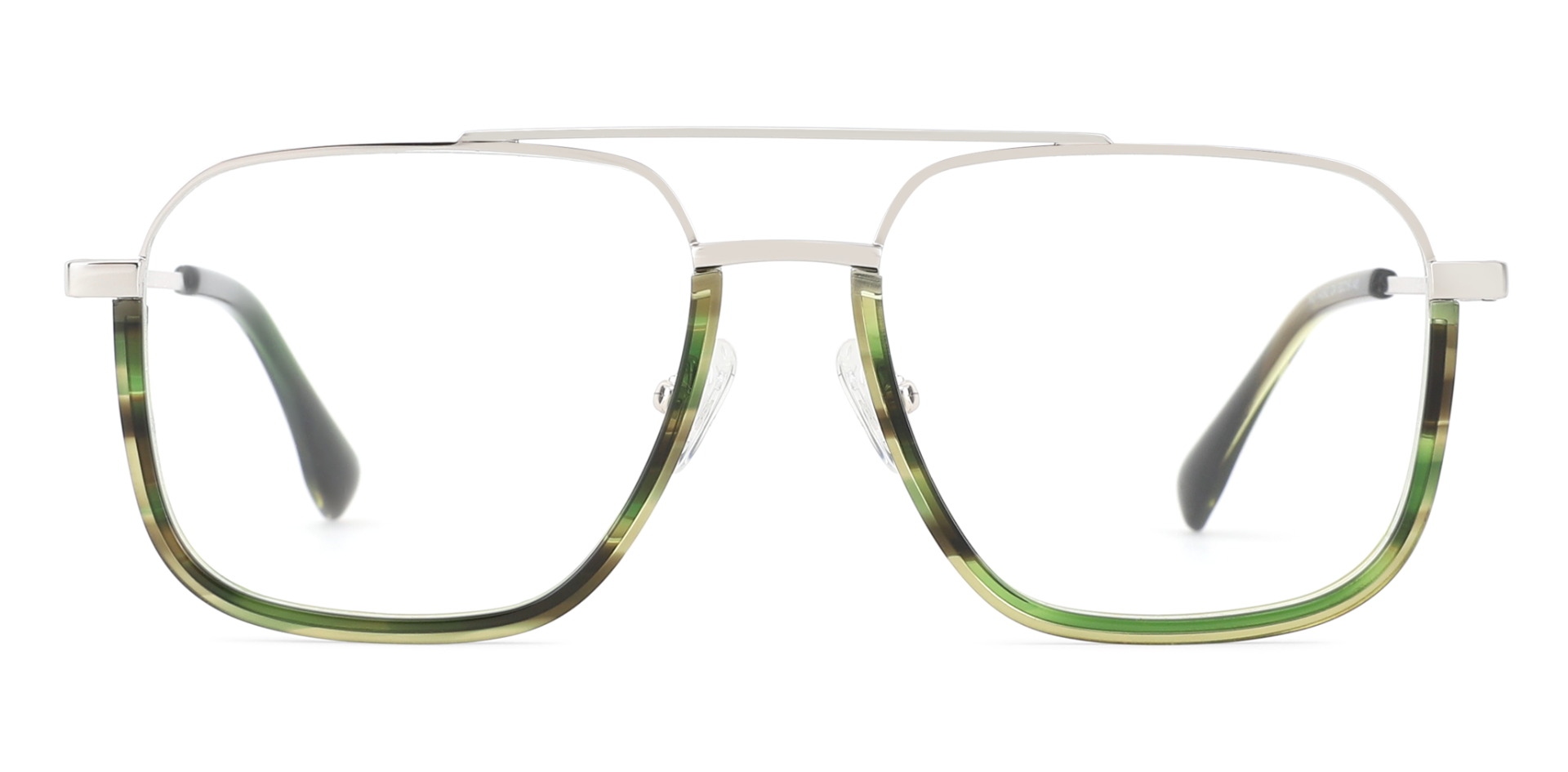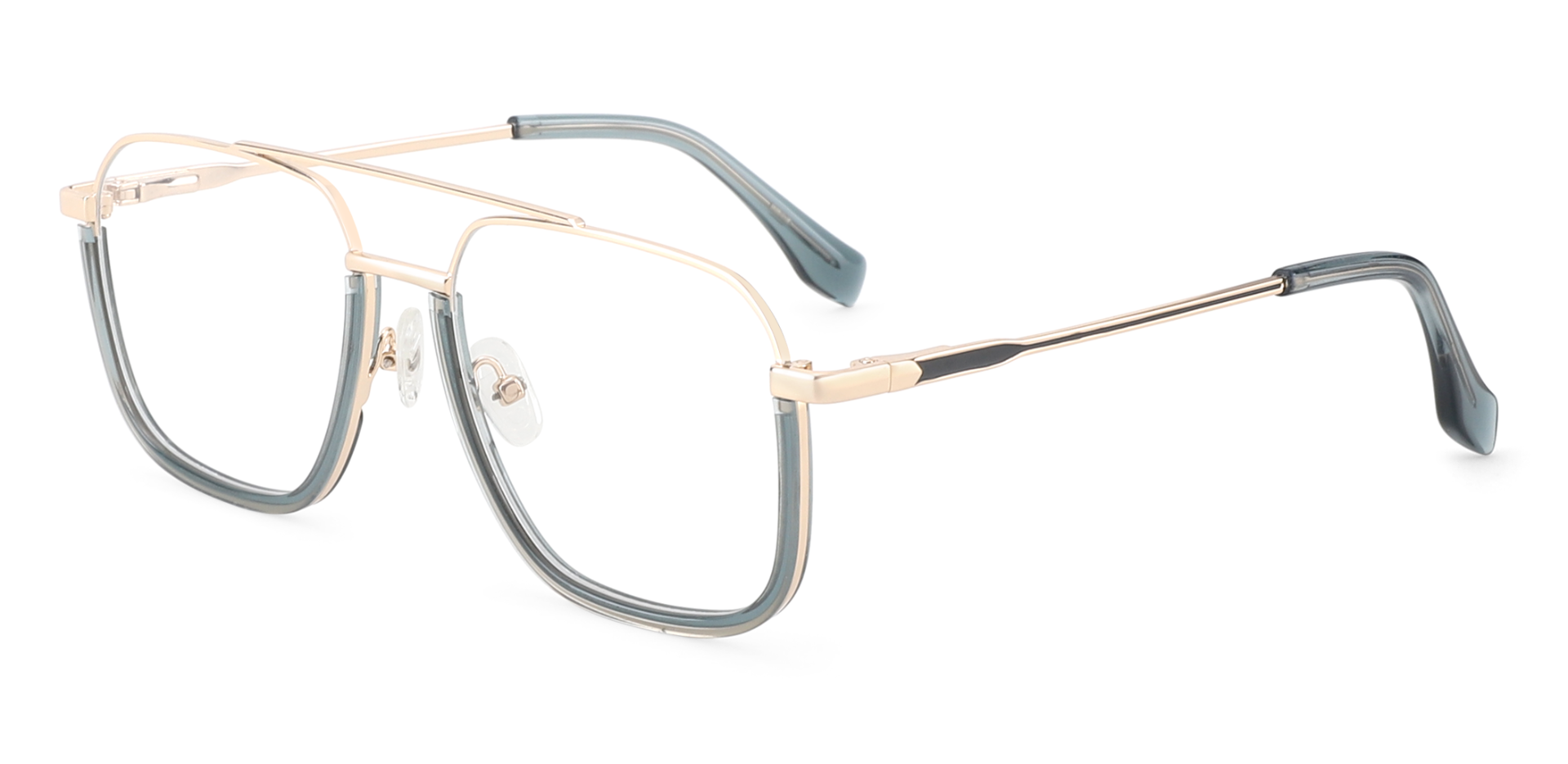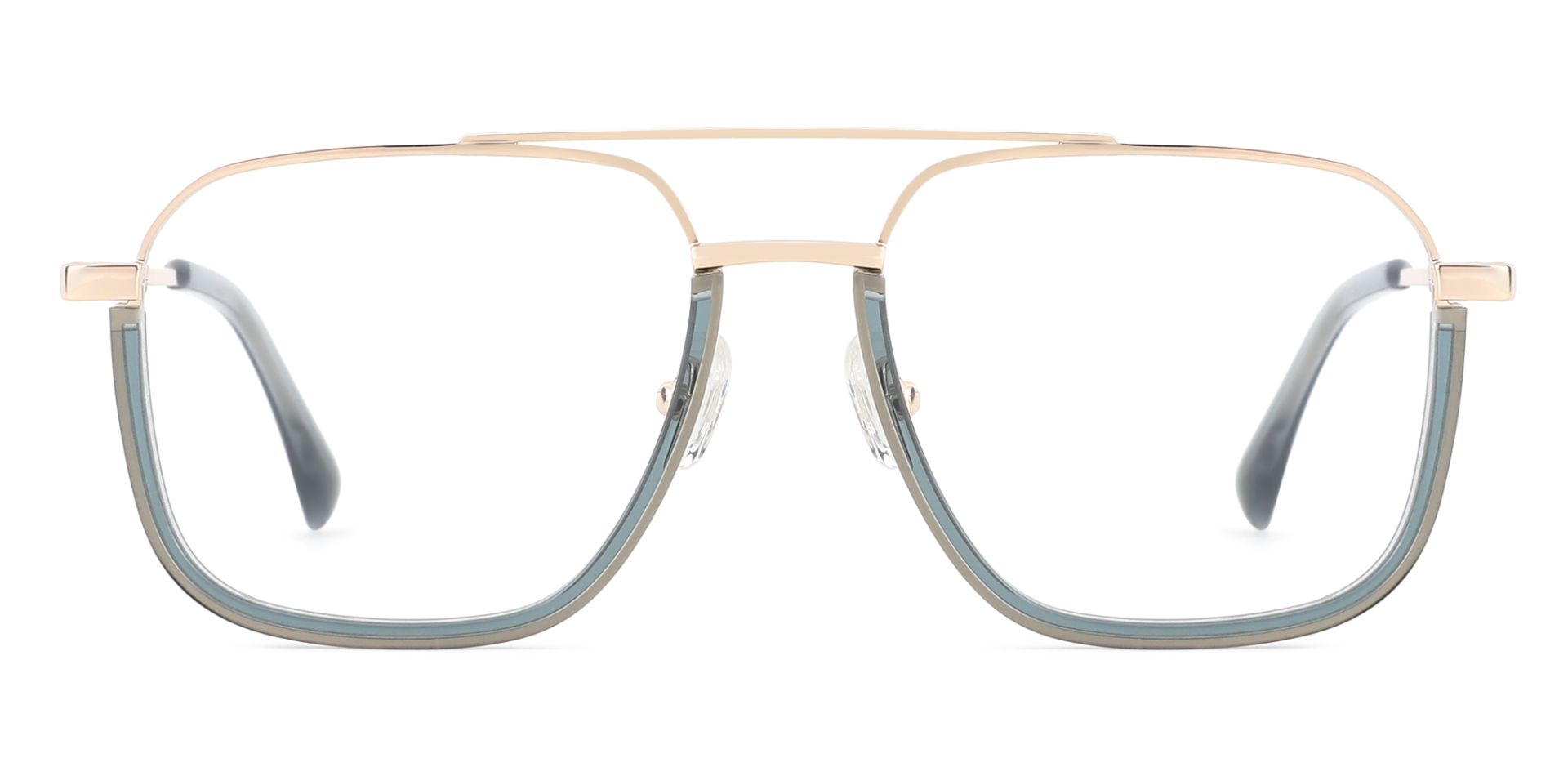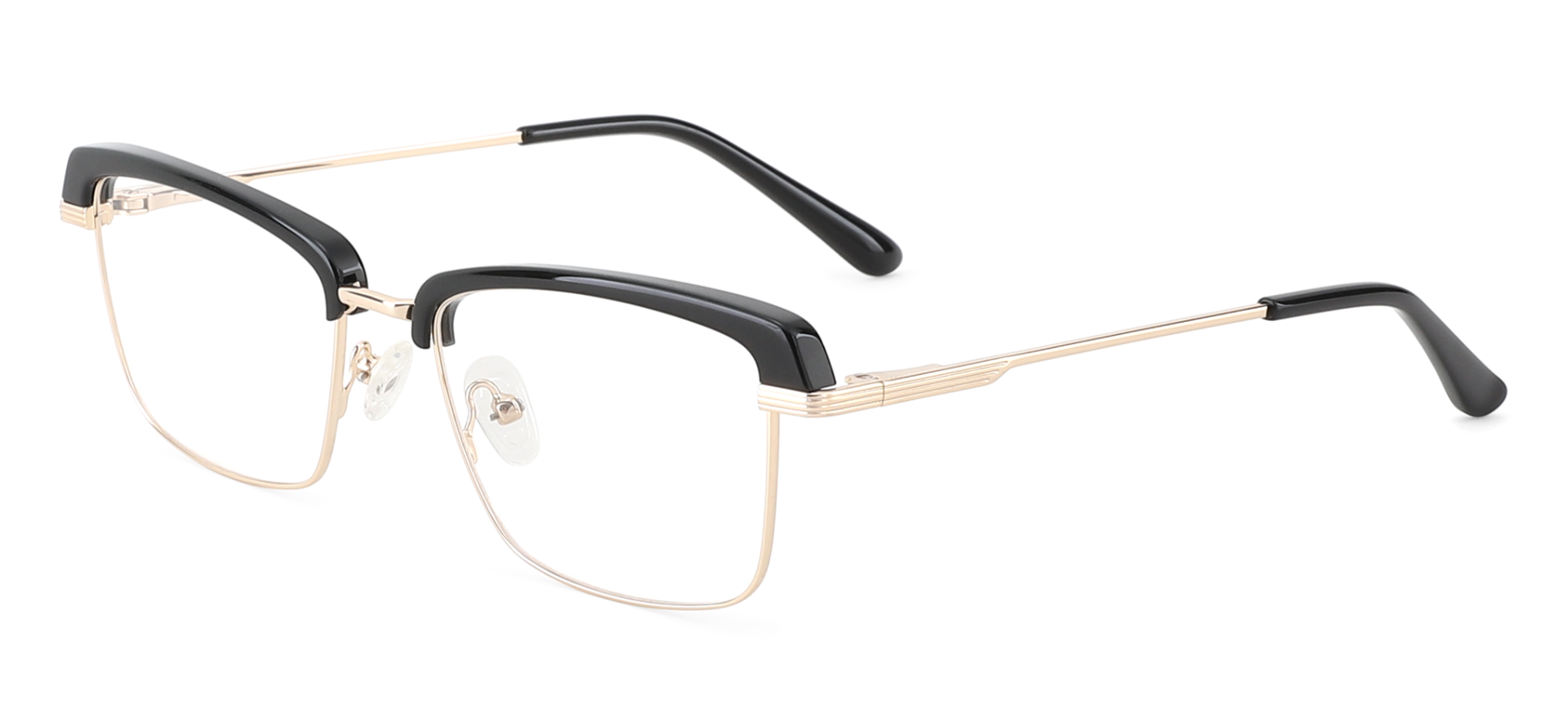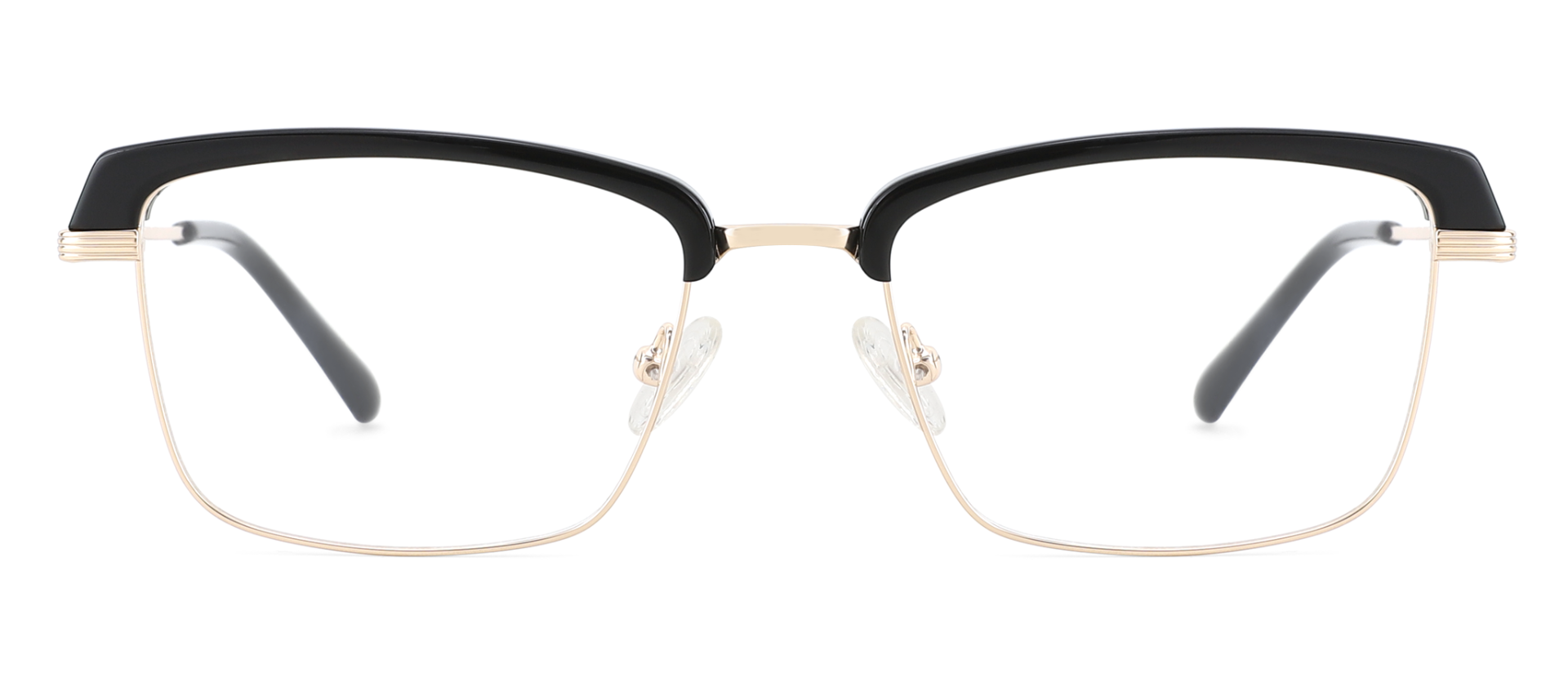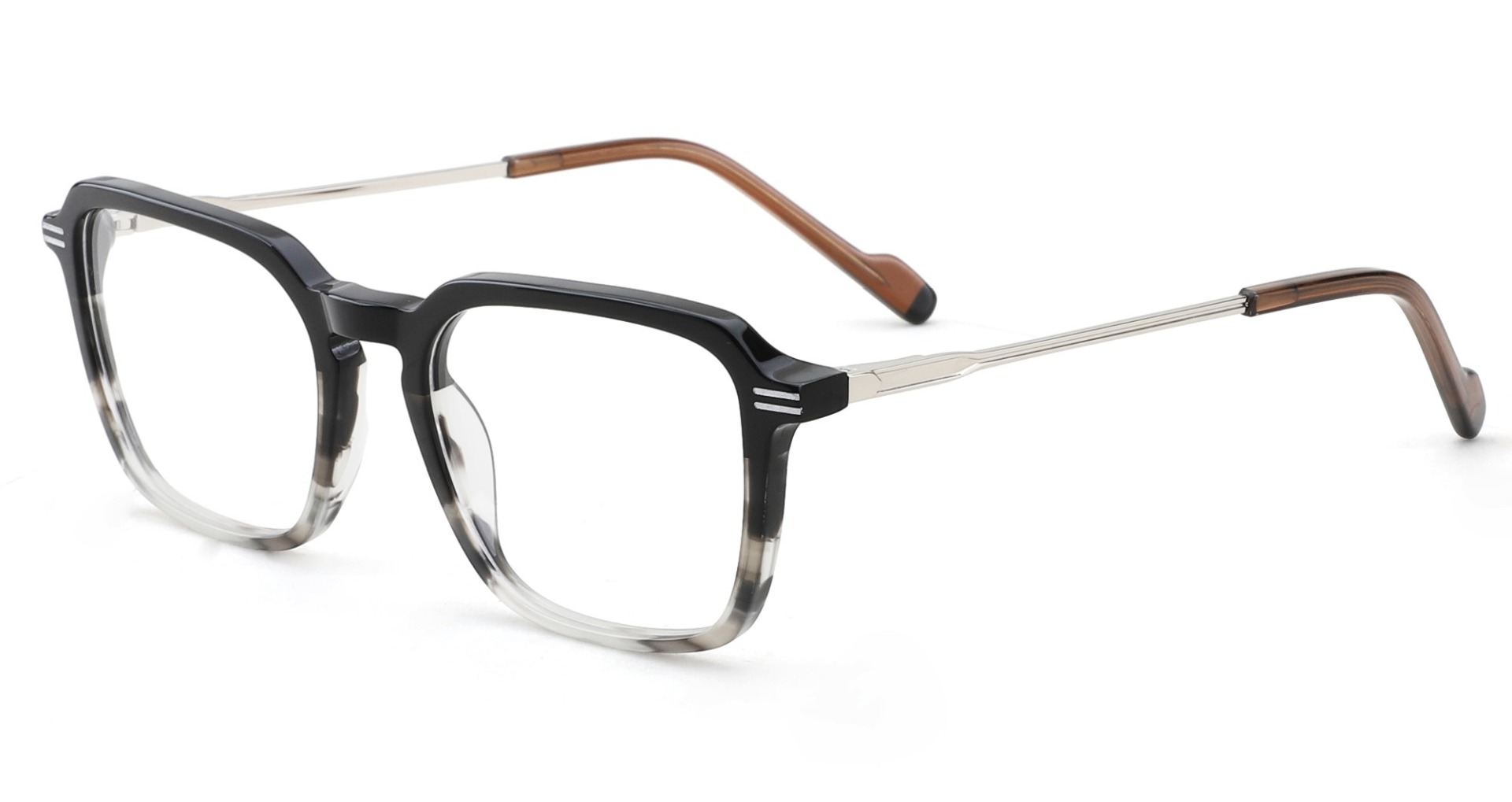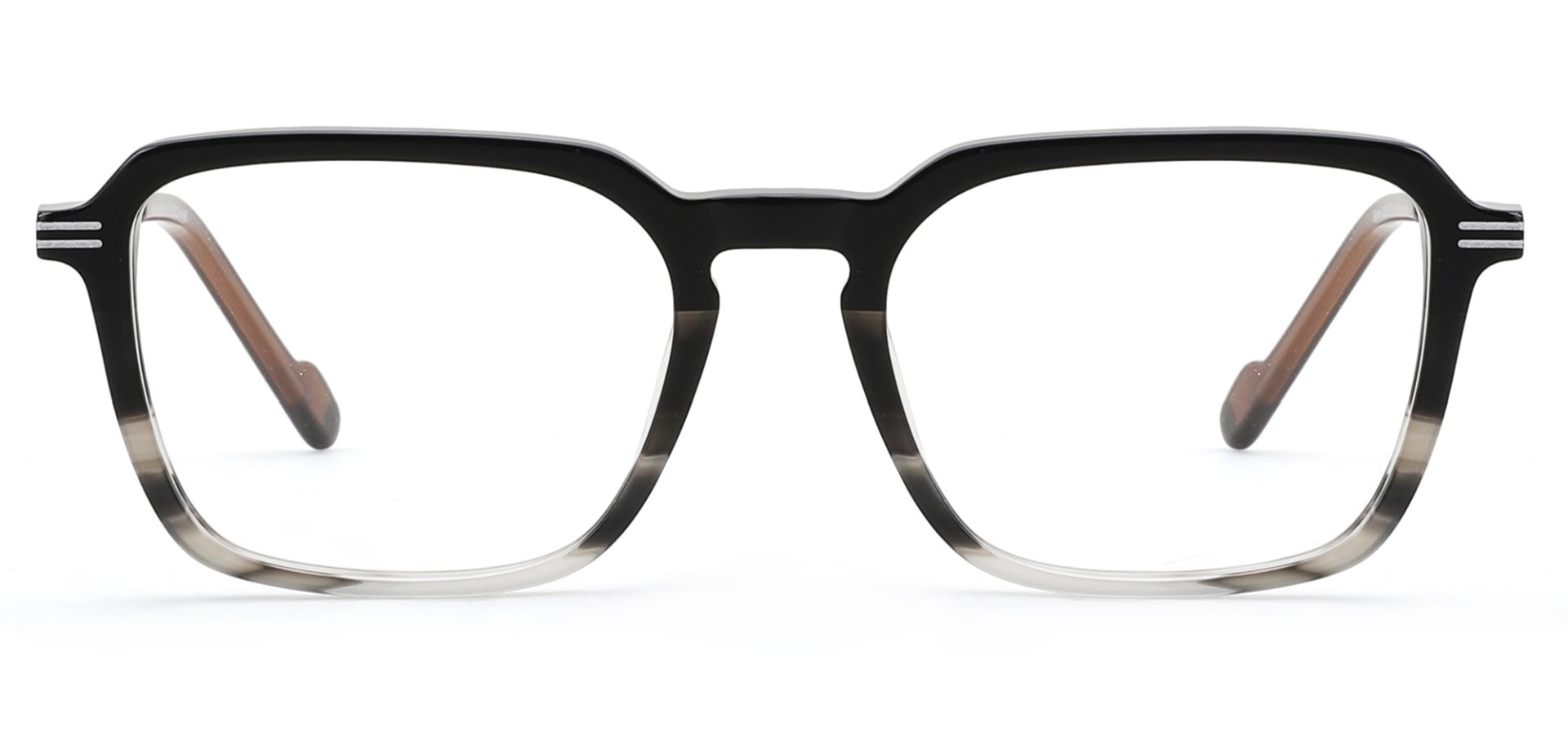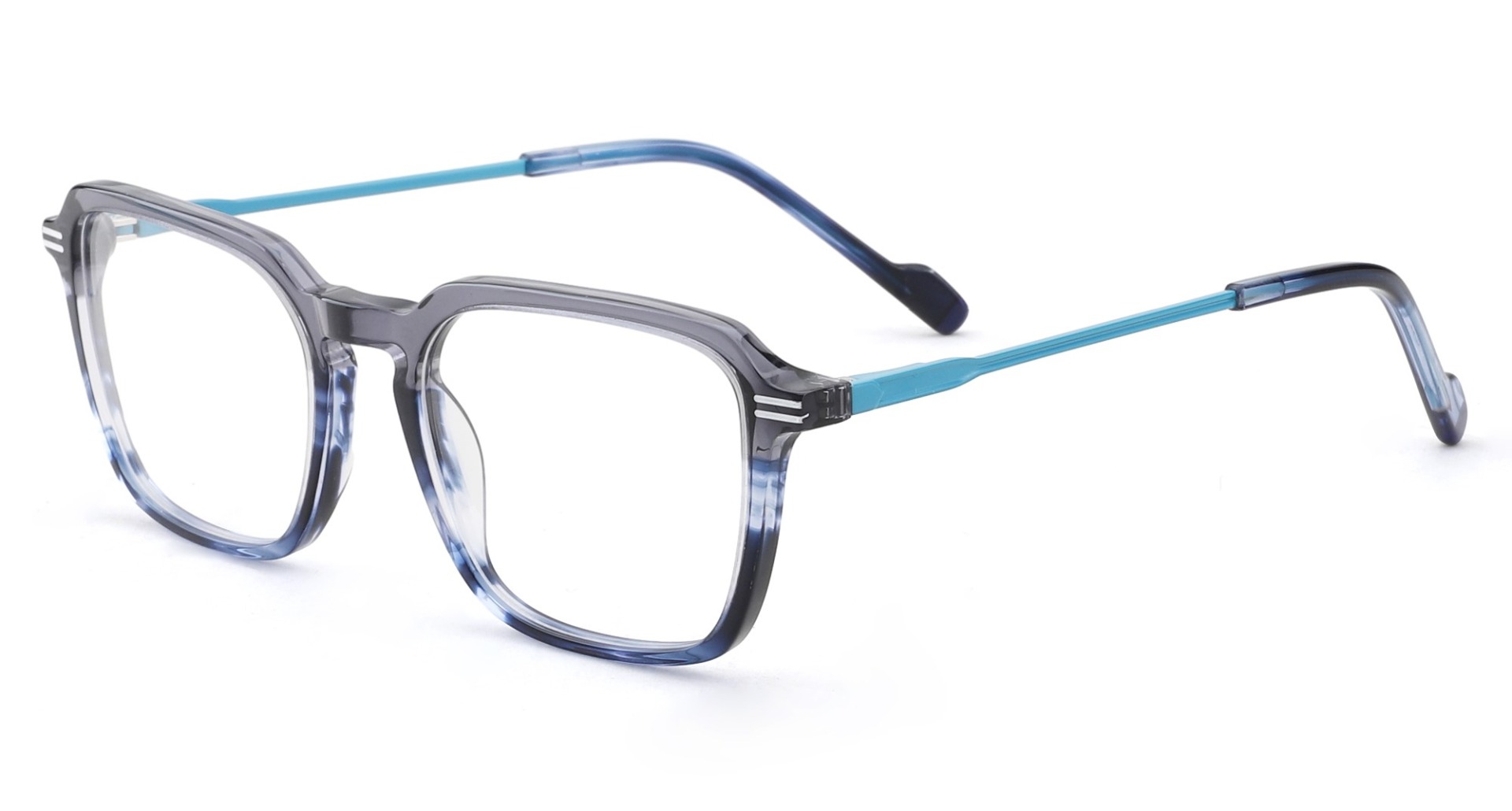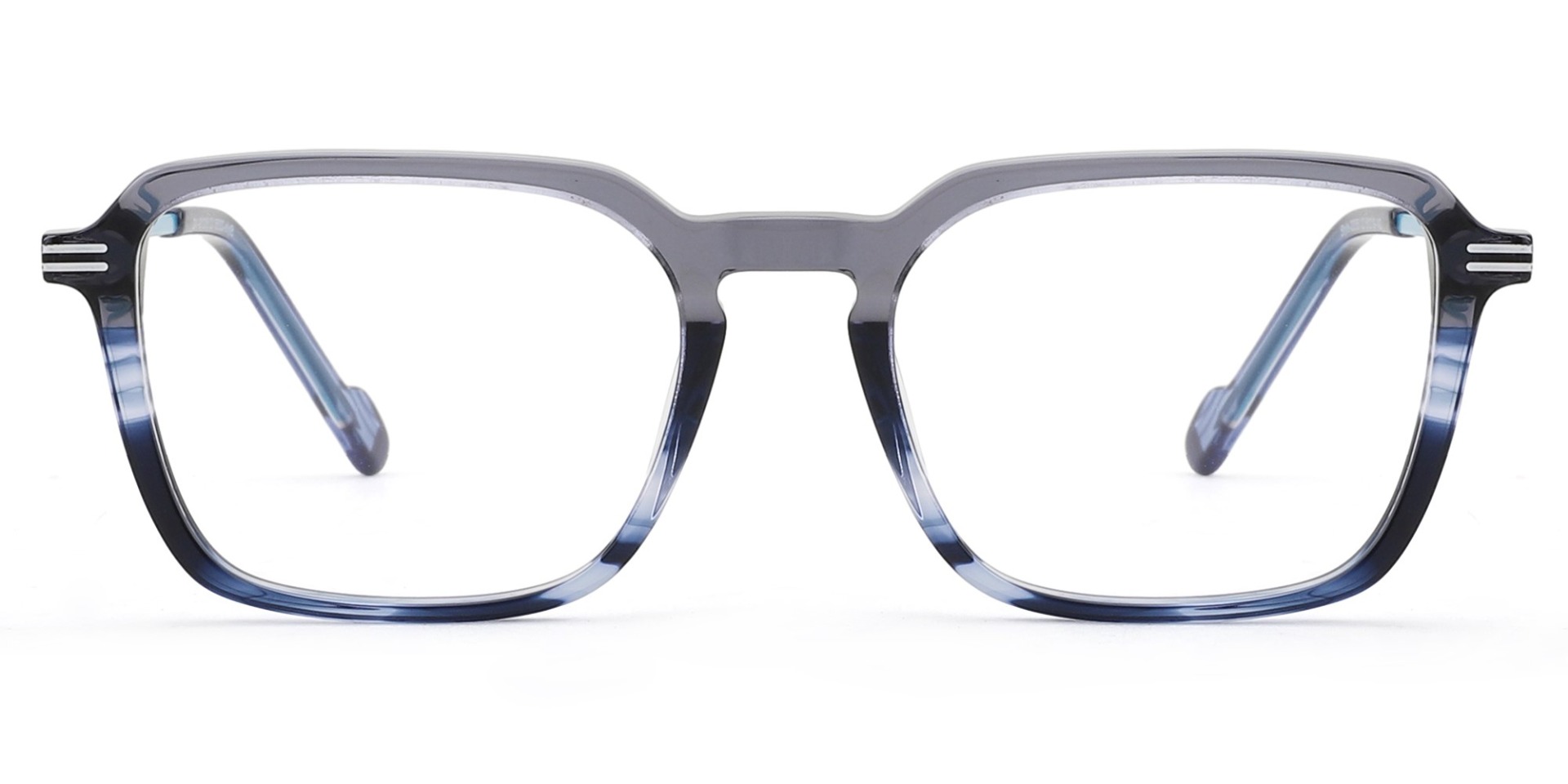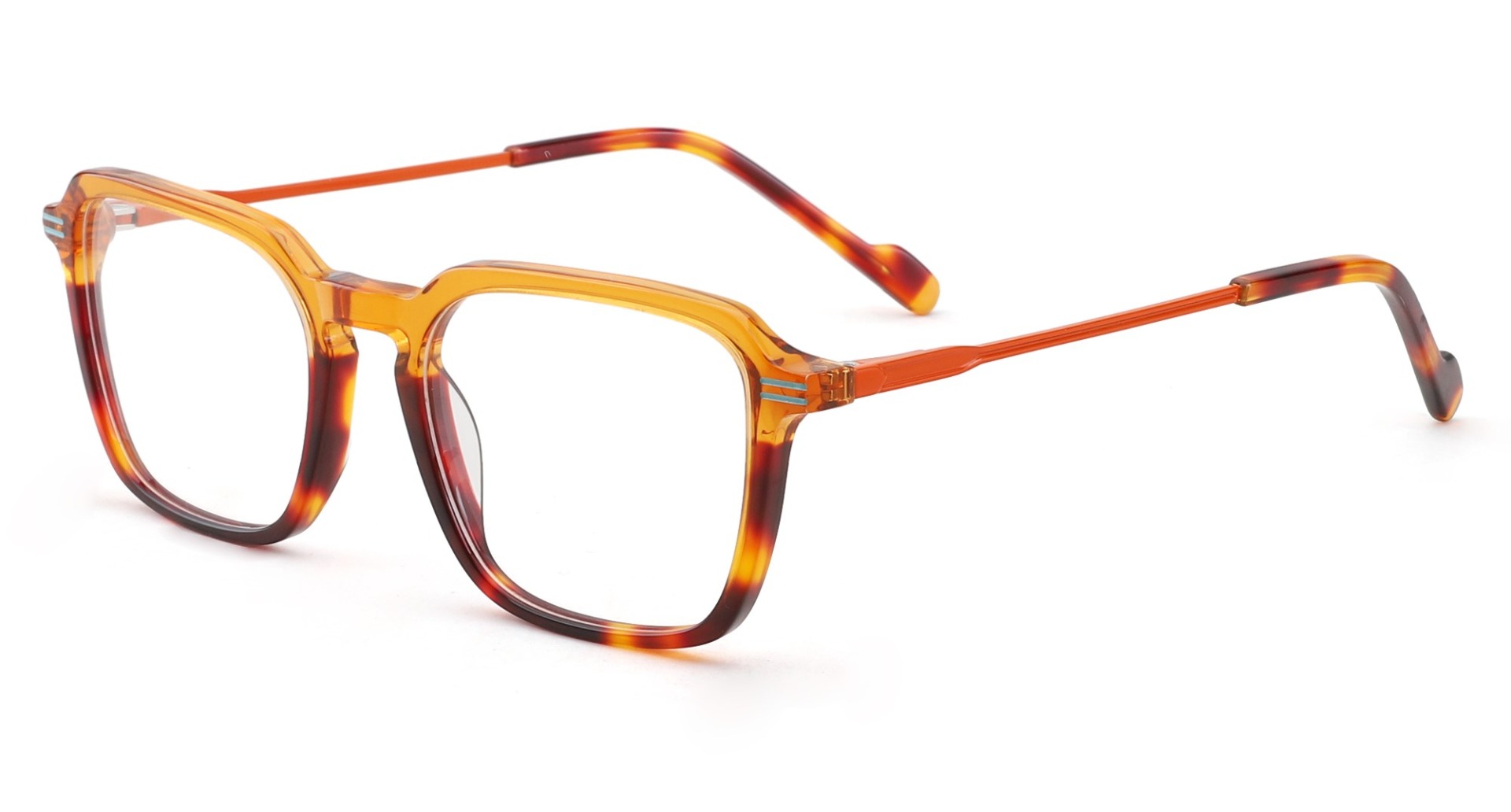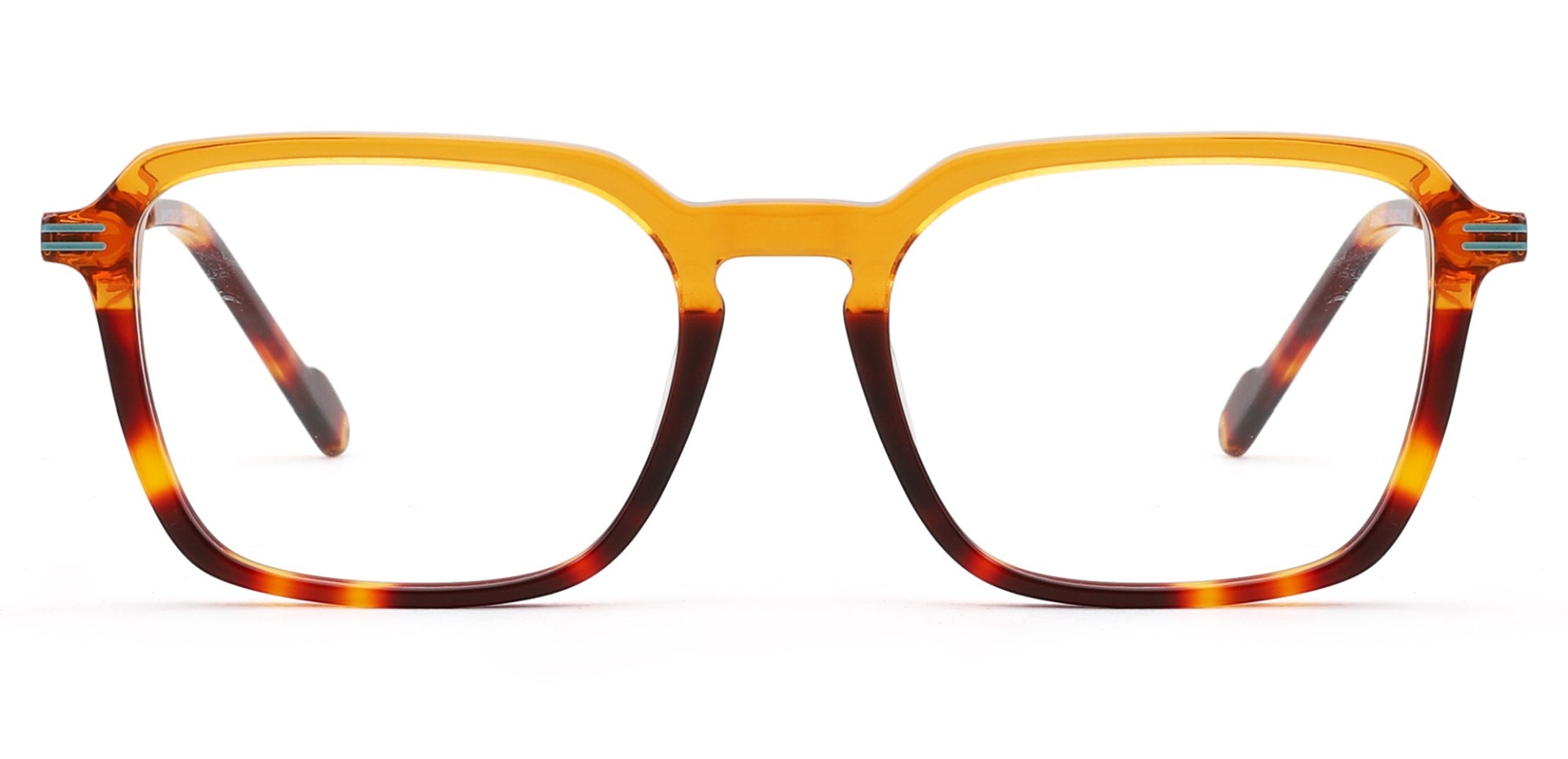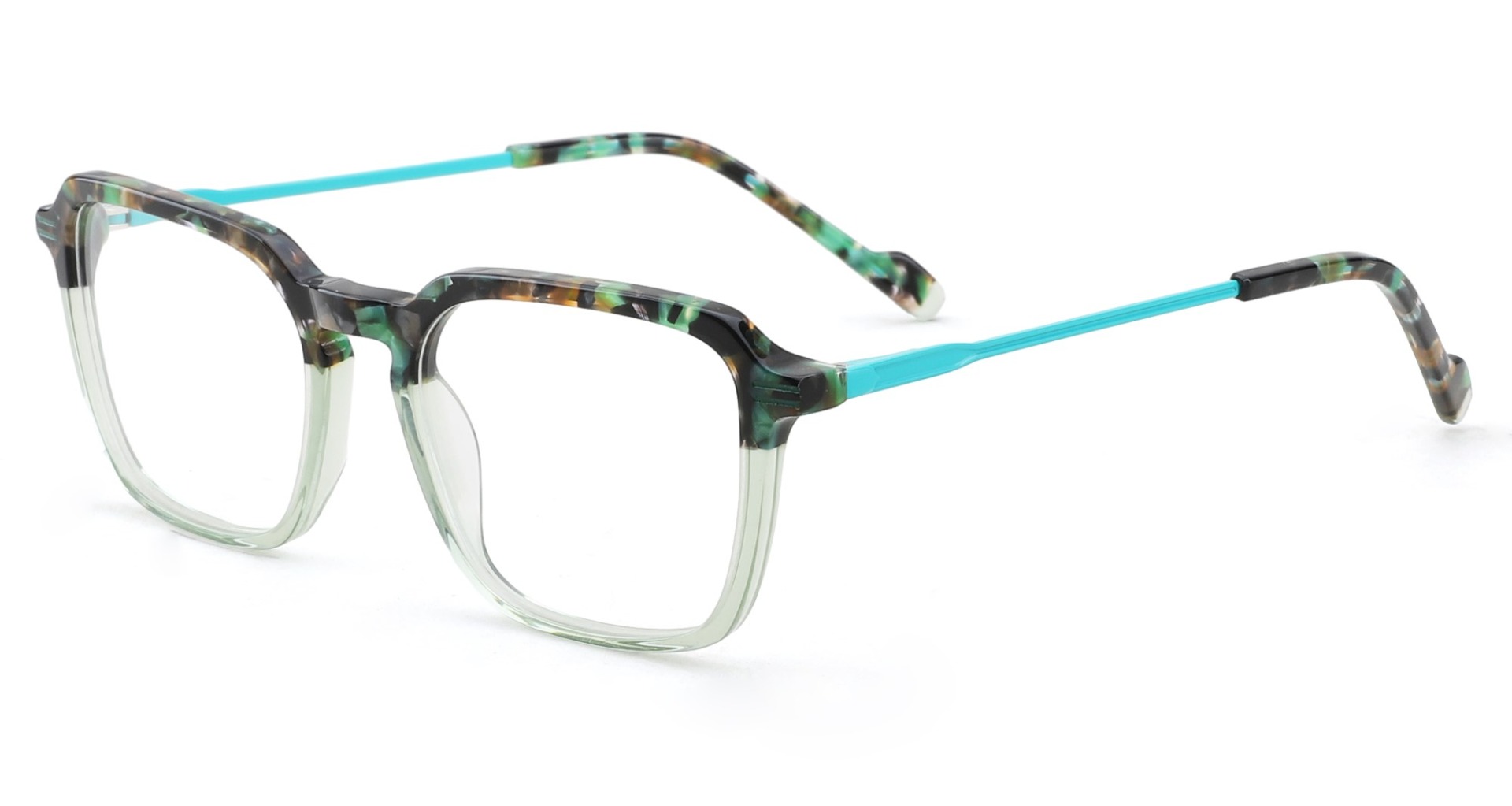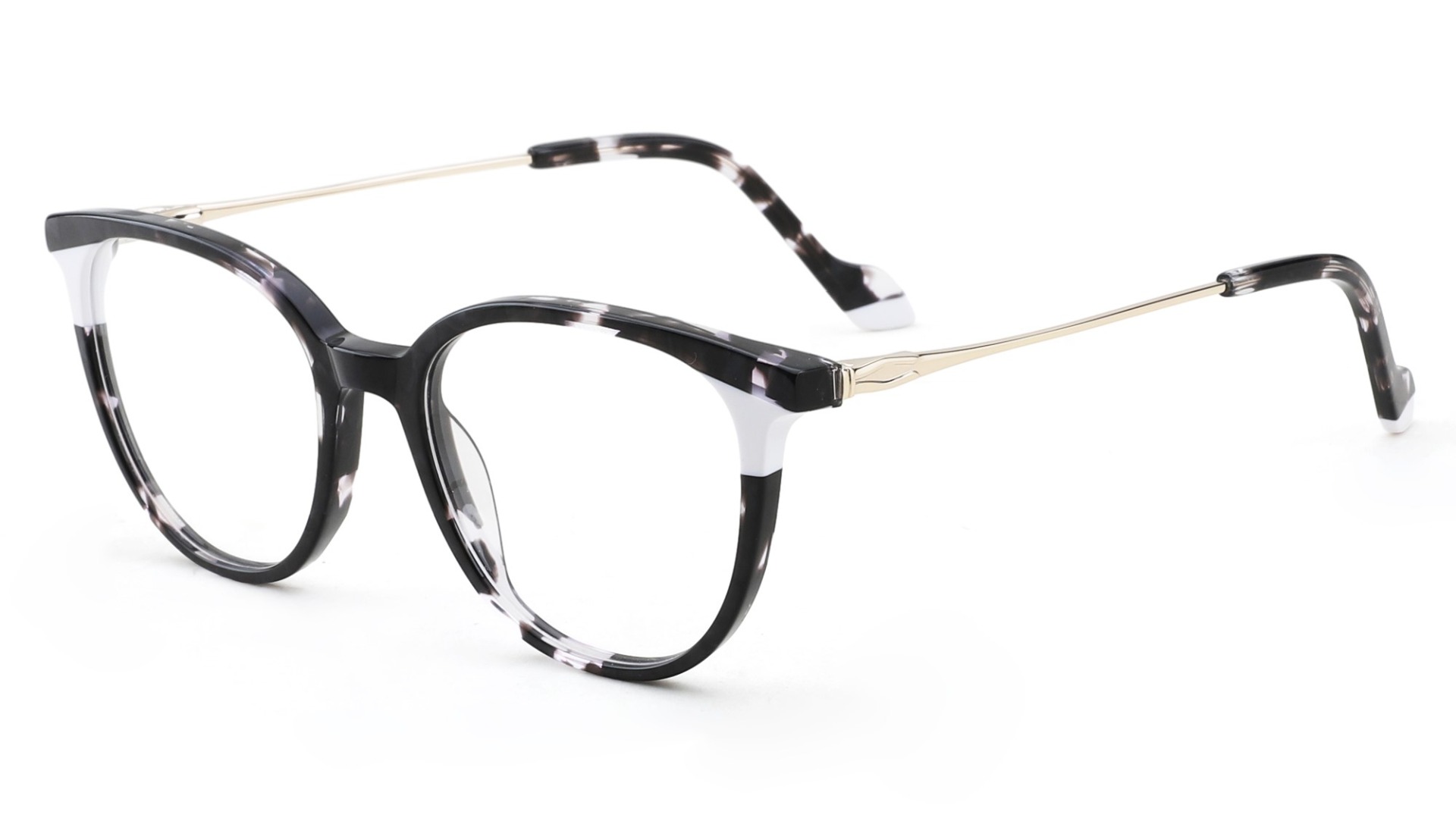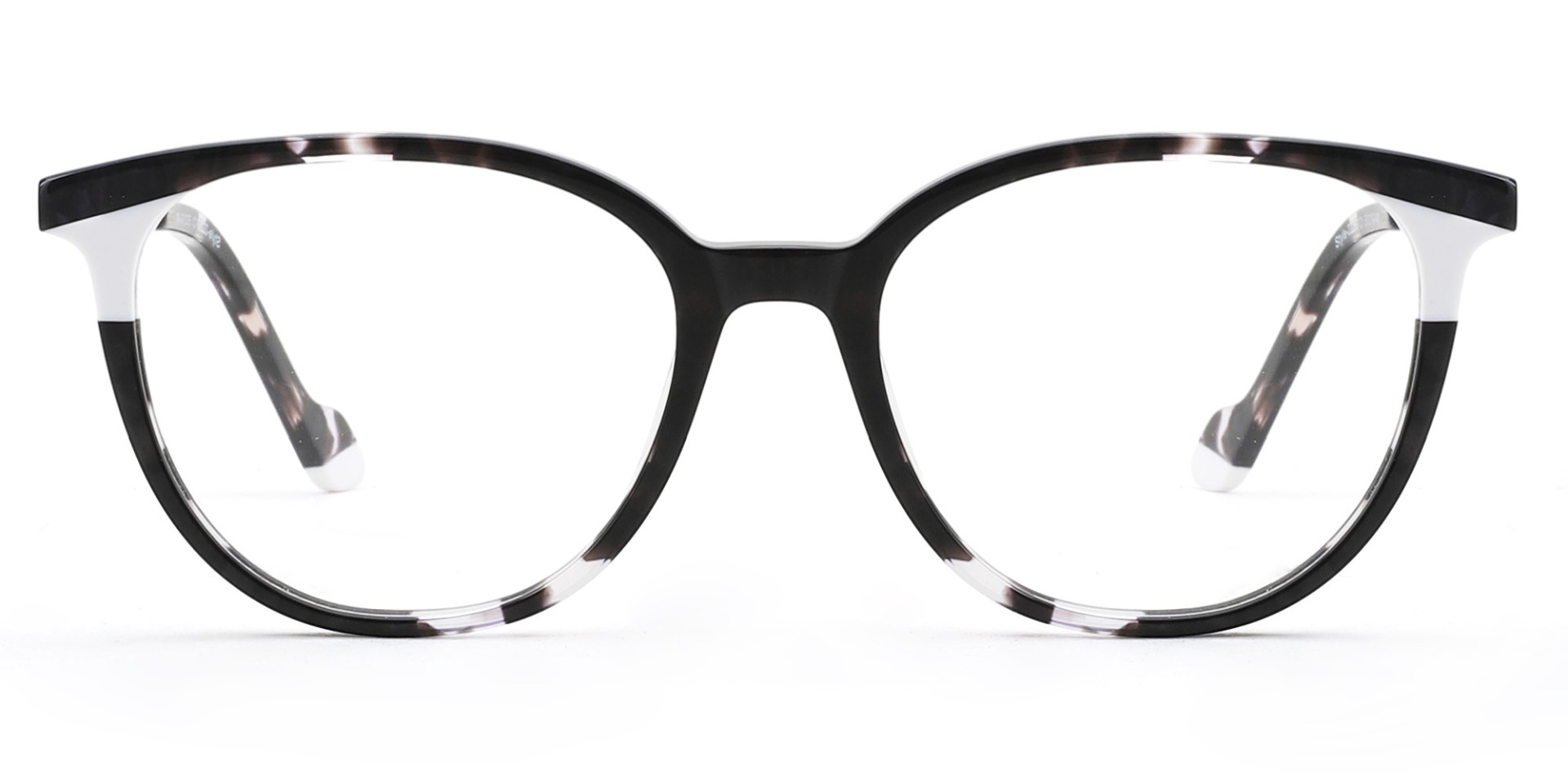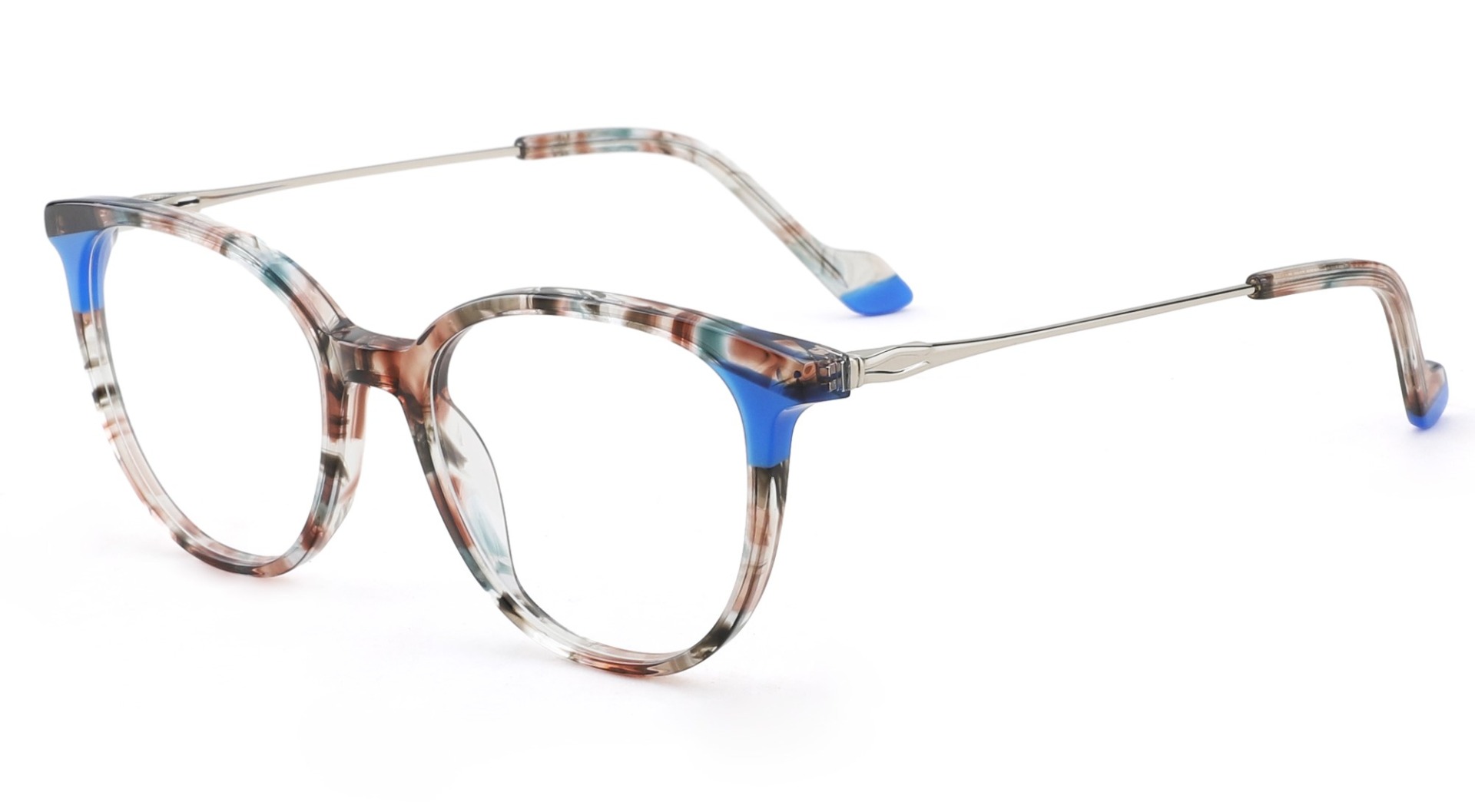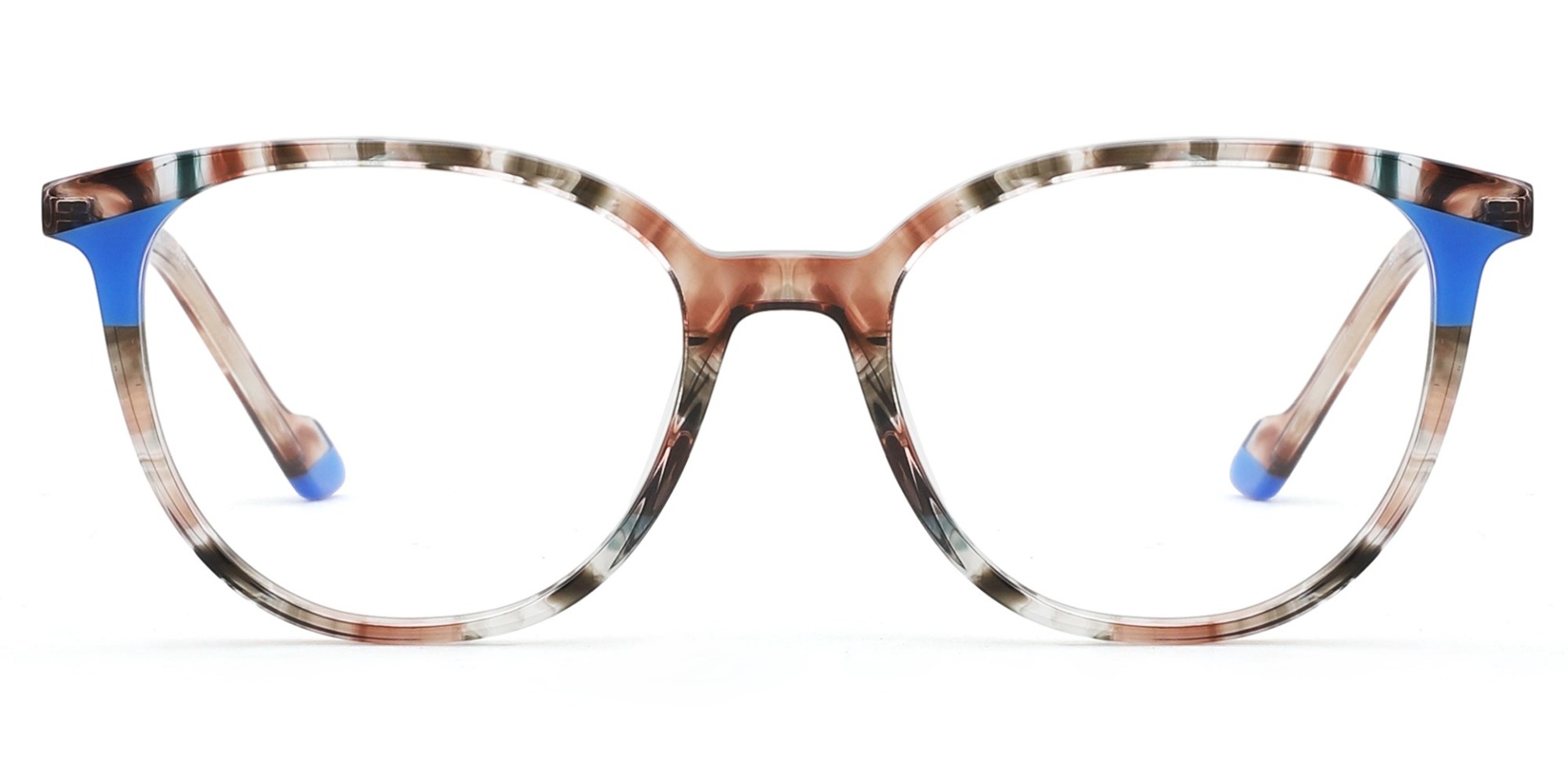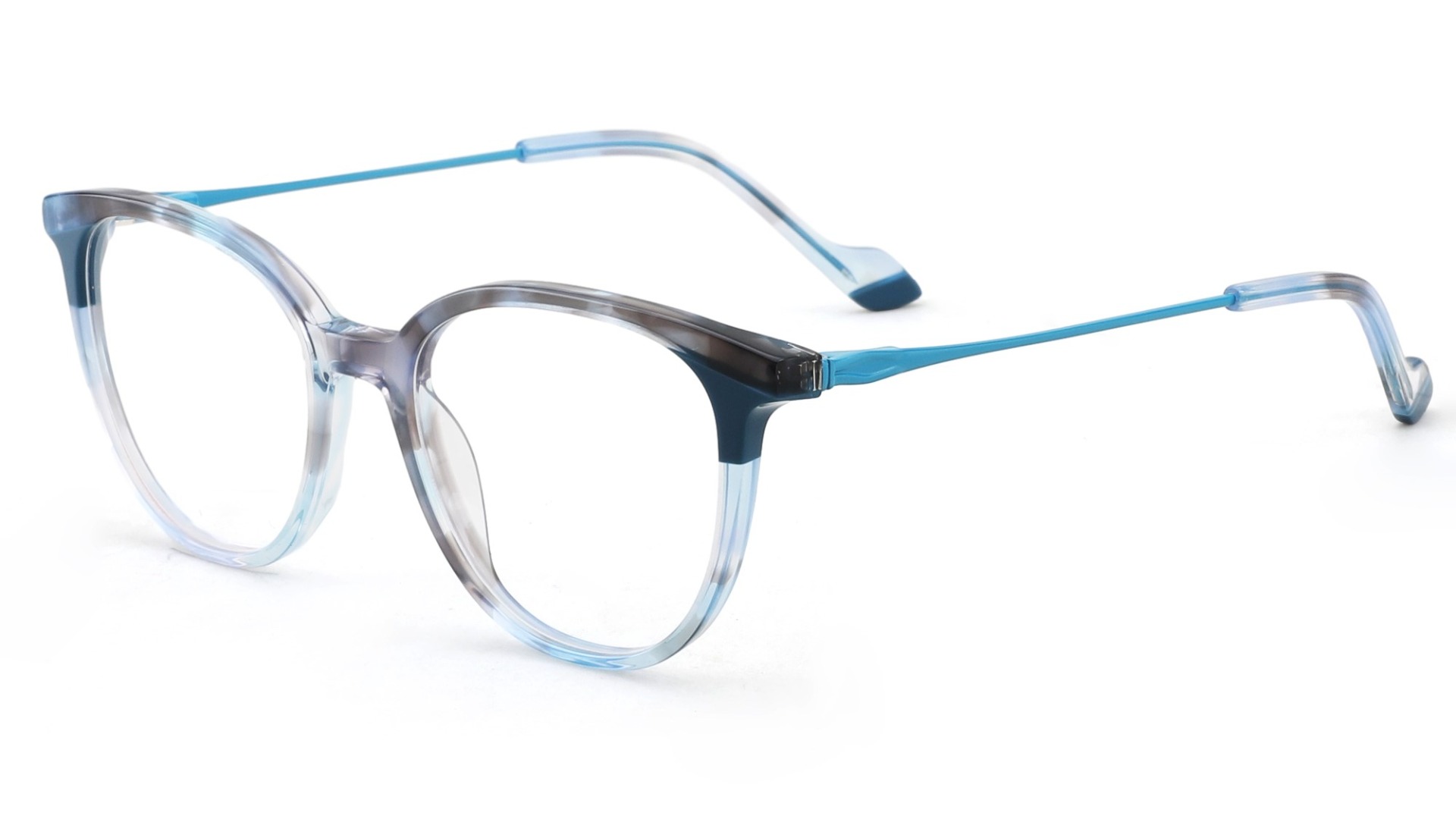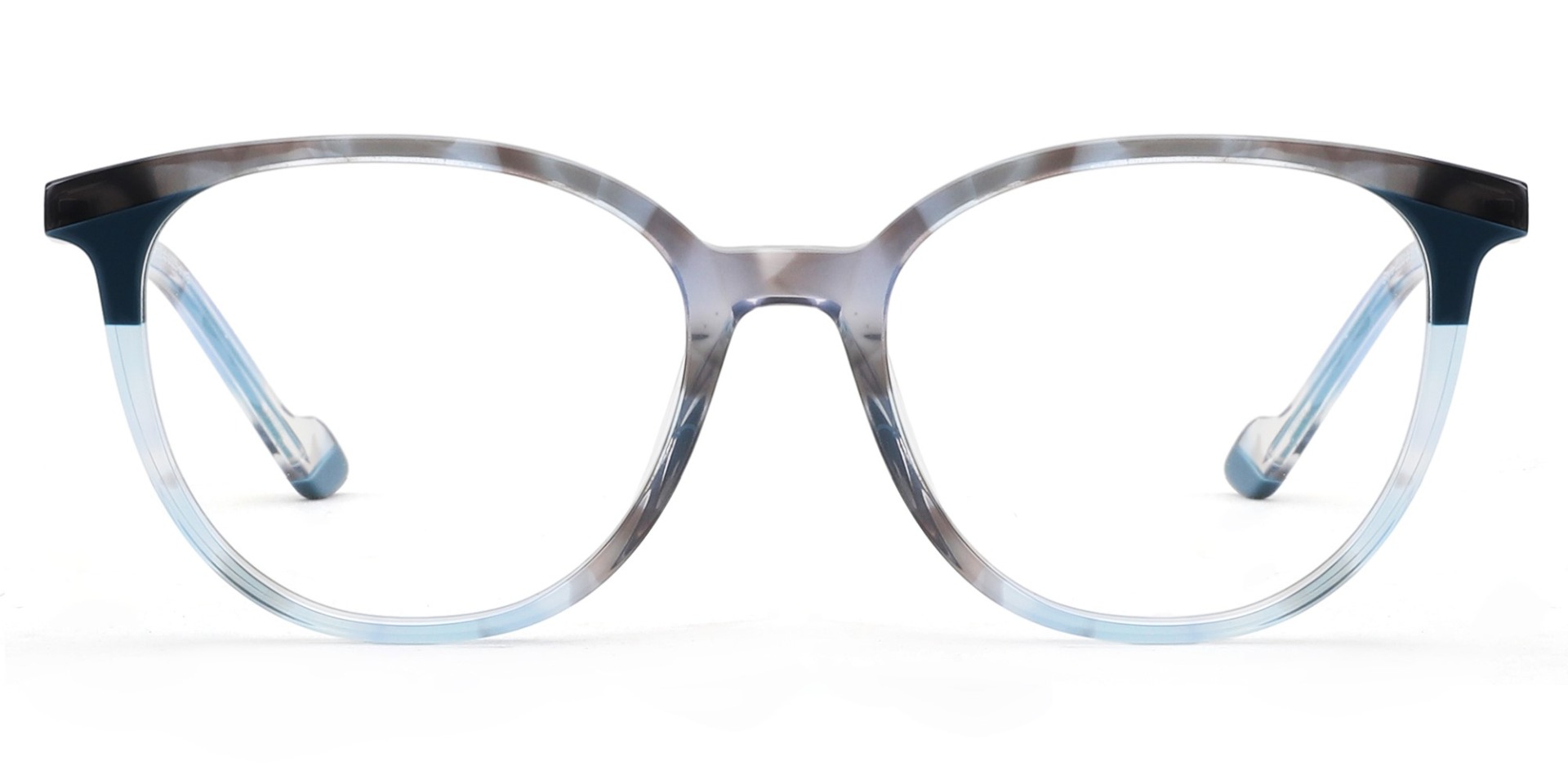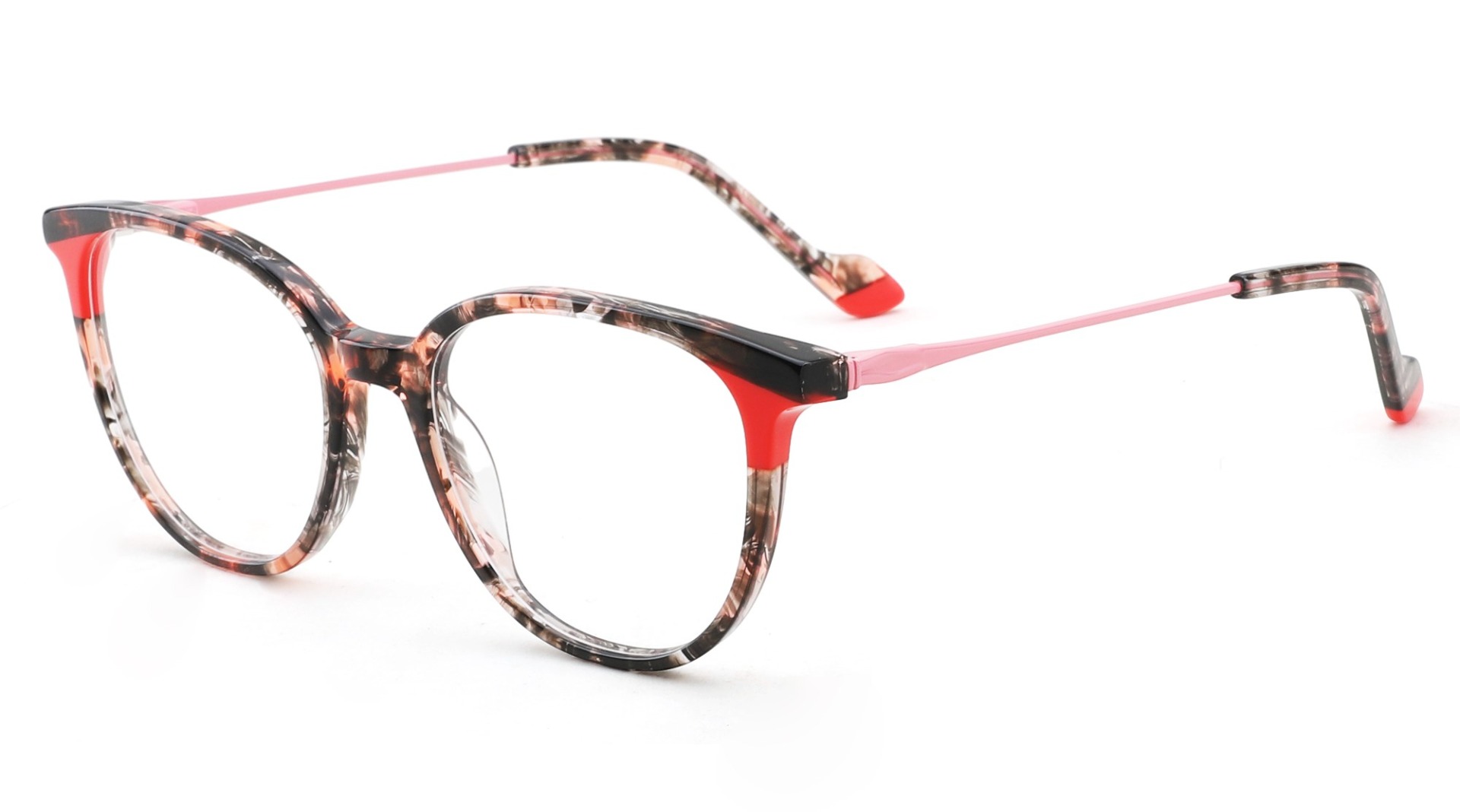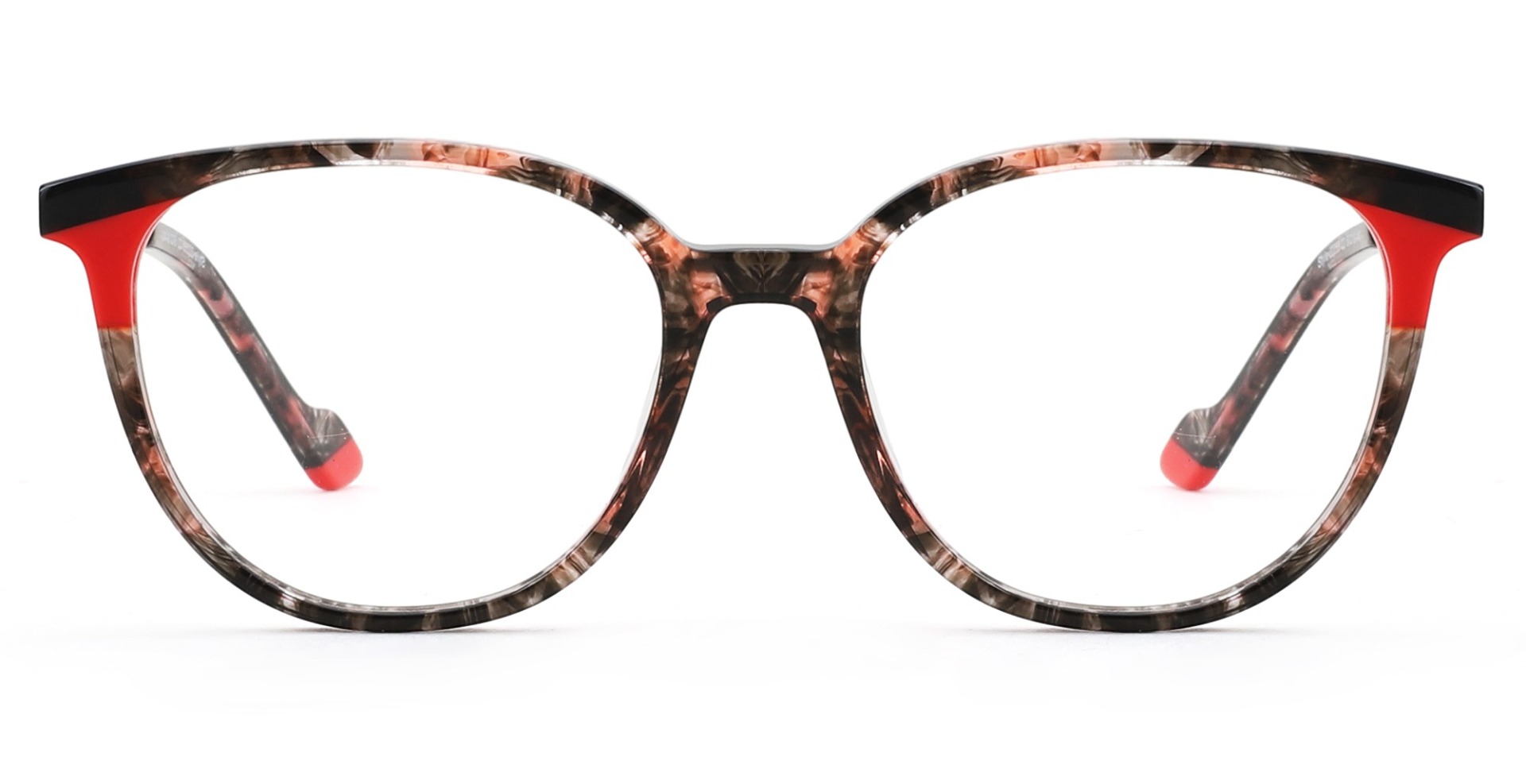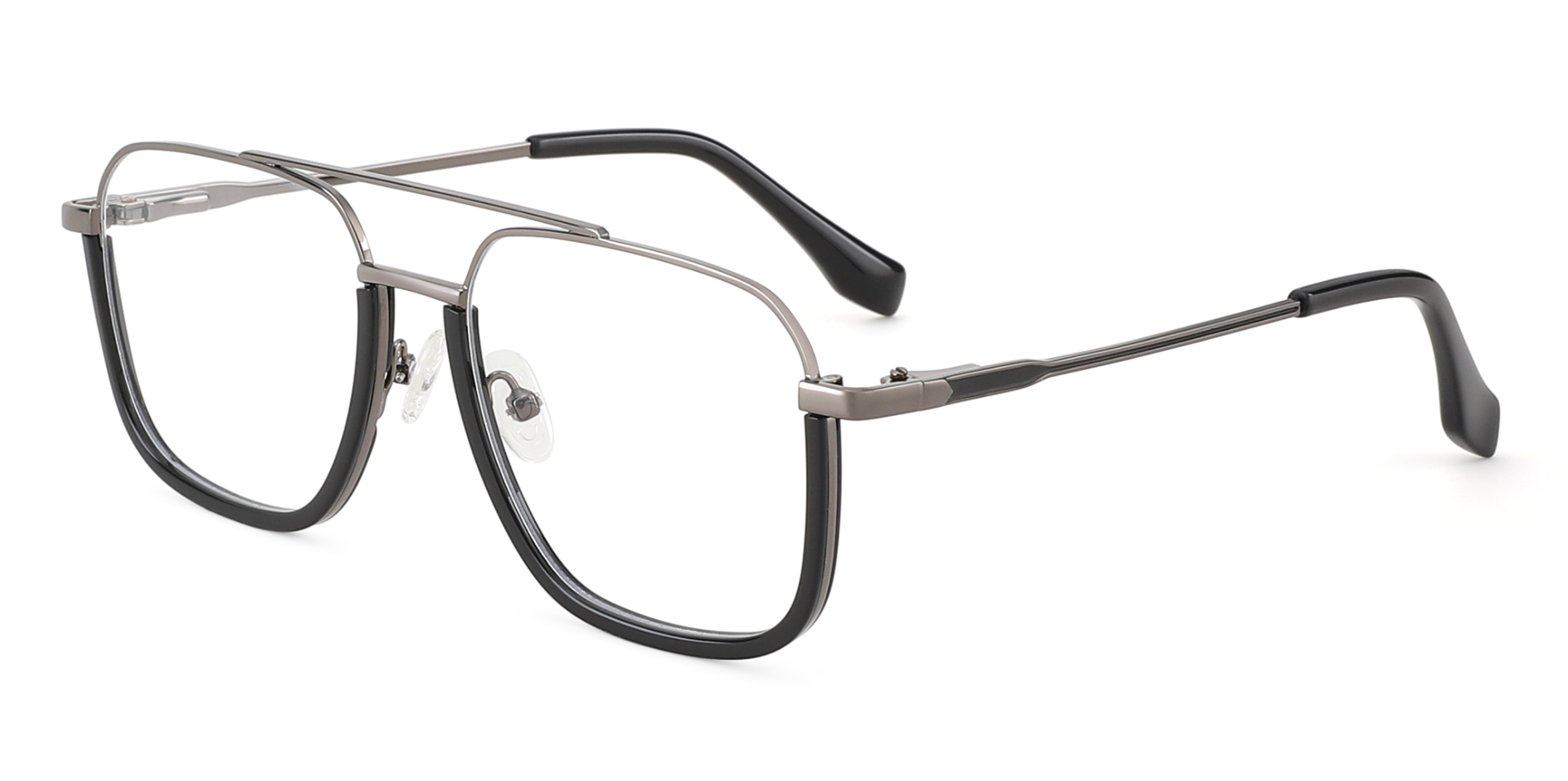
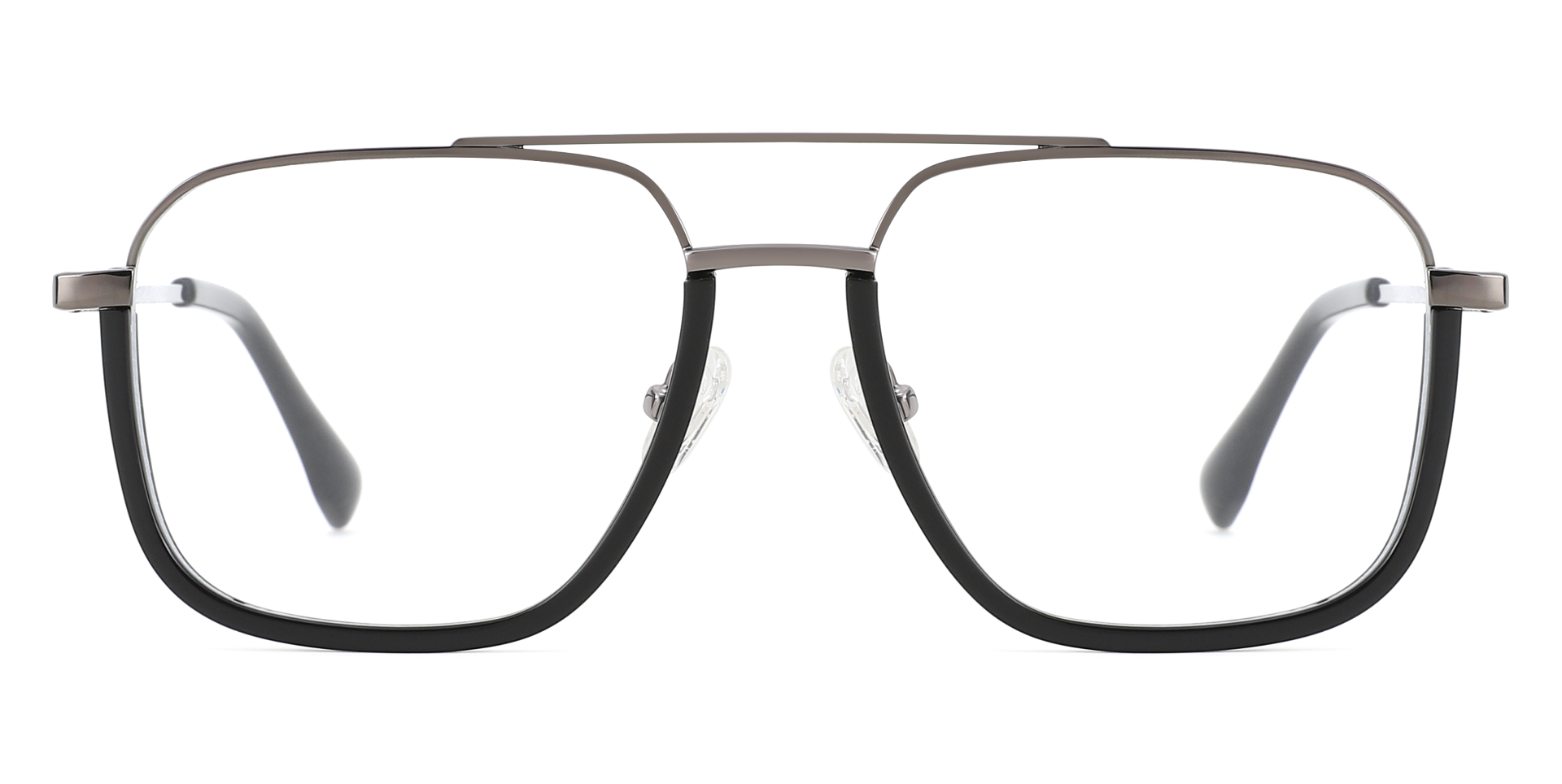
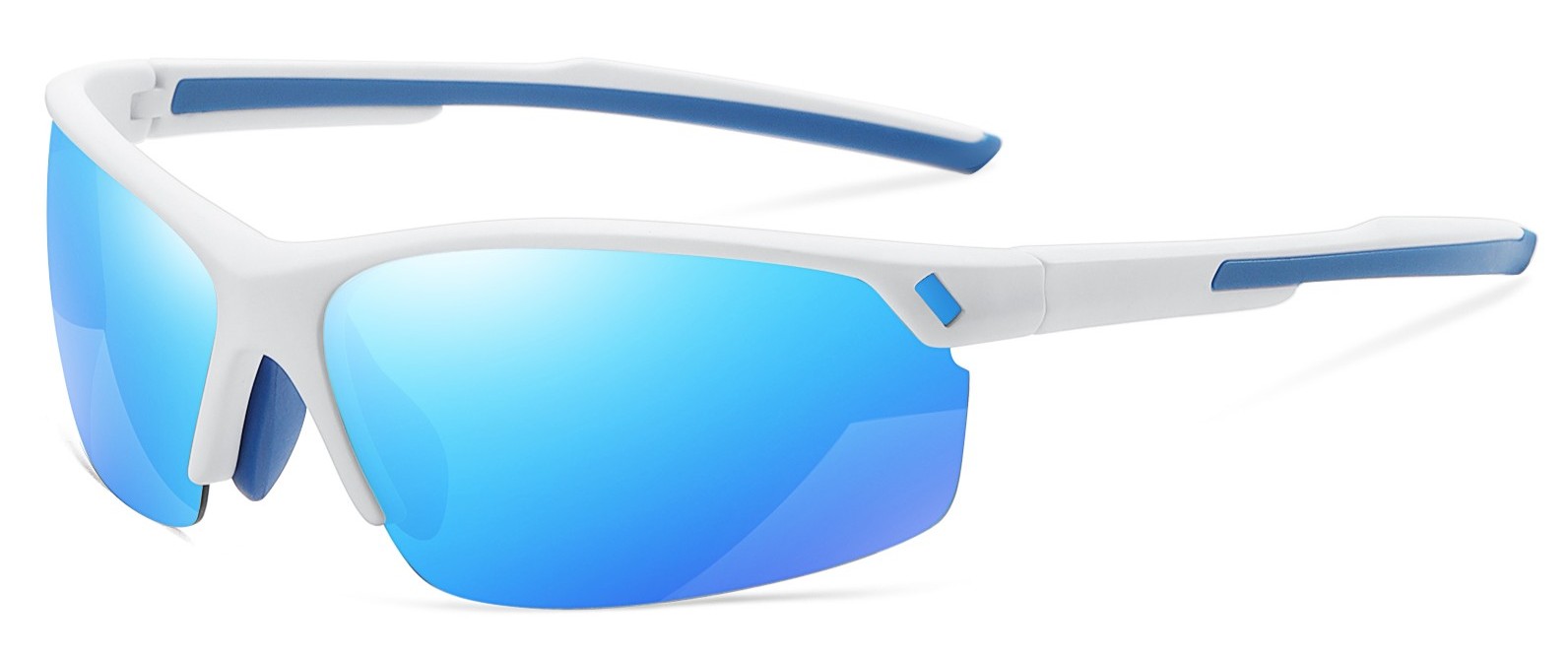
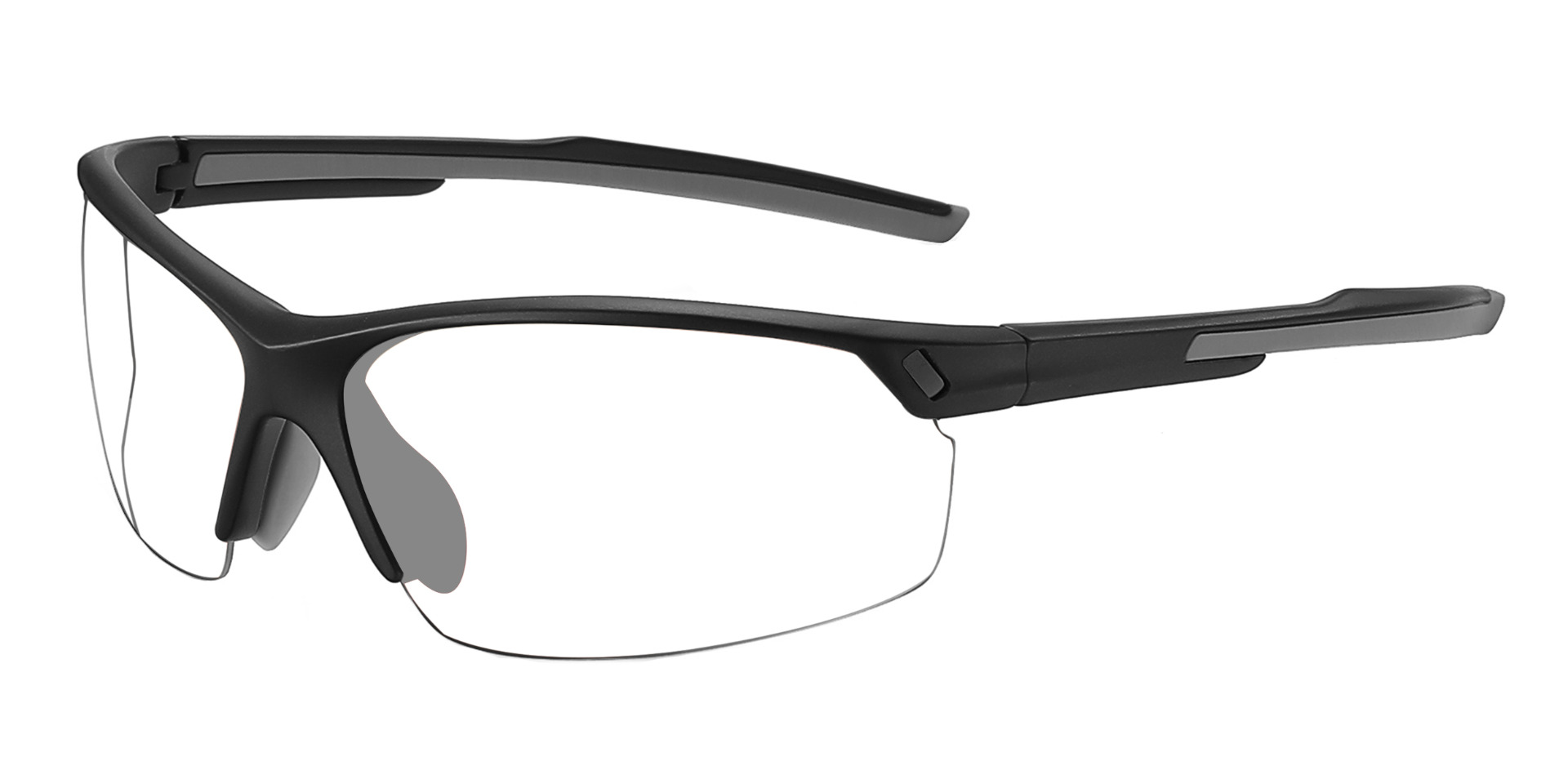
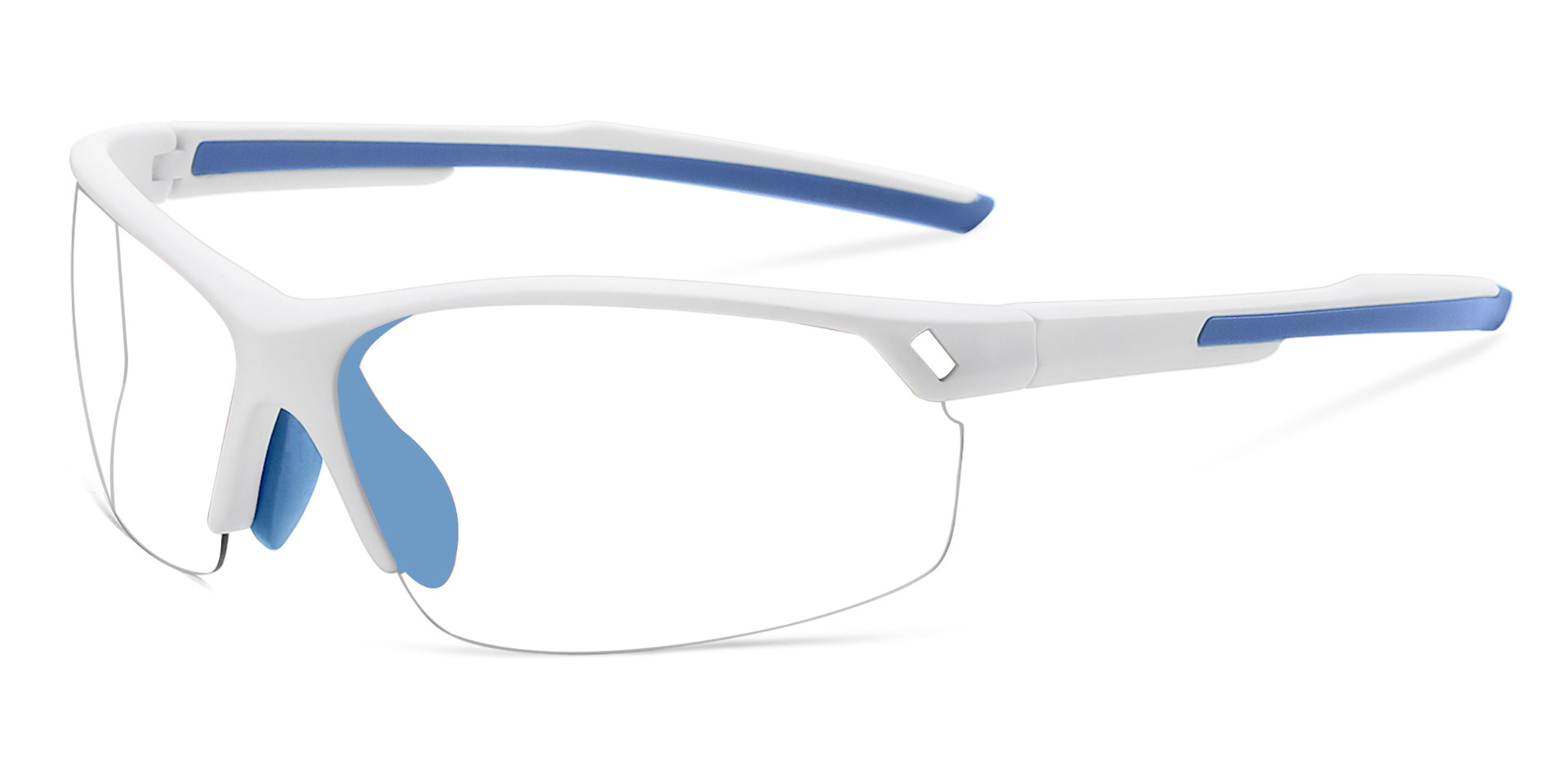
Addison Prescription Glasses Black
Bifocal
Progressive
Single Vision
Original price was: £104.24.£27.28Current price is: £27.28.
Gaming sessions can stretch from a quick match into several hours, so eyewear needs to feel comfortable long after the loading screen disappears. RxSport UK offers gaming glasses for PC, console and handheld play, with frame and lens options suited to different prescriptions, screen distances and setups.
Our collection includes lightweight glasses for gaming, blue light filter options and prescription gaming glasses for players who need clear vision while staying focused on the action. Depending on the frame, you can compare single-vision, bifocal or progressive lenses, along with anti-reflective treatments designed to reduce distracting reflections across the lens surface.
Choosing suitable computer gaming glasses starts with your prescription, normal viewing distance and the way your headset fits. Compare frame width, bridge size, lens depth and temple length before ordering. Browse RxSport UK for gaming eyewear that feels balanced through competitive matches, relaxed evening sessions and long campaign play without constant slipping, pinching or pressure behind the ears during late-night tournaments, weekend streams and after-work sessions at home with friends online.


Showing 1–12 of 63 results
End of content
End of content
Gaming glasses should stay comfortable when a quick session becomes an entire evening. A frame that pinches beneath a headset, slips during play or sits too close to the eyelashes can be more distracting than the screen.
The useful pair is the one that stays level, works at your normal viewing distance and feels natural while you move between matches, menus and chat.
Blue light glasses gaming products use a filter or treatment that reduces selected blue-violet wavelengths. The amount filtered varies, and some lenses look clear while others have a yellow or amber tint.
These lenses are an optional feature, not a guaranteed fix for eye strain, headaches or poor sleep. Screen discomfort can also be linked to reduced blinking, dry eyes, reflections, unsuitable prescriptions, lighting and sitting too close.
When comparing options, check:
Headset compatibility is a major difference between ordinary frames and comfortable computer gaming glasses. Thick temple arms can be pressed against the head by tight ear cups, causing soreness during longer sessions.
Look for slim temples, balanced weight and enough width to avoid squeezing. The bridge should stay secure, and the lower rims should not rest on the cheeks.
Try the frame with your usual headset. Move your head, lean forward and look towards a second monitor. The glasses should remain steady without creating painful pressure.
Prescription gaming glasses can support clear vision at the distance between you and your monitor or television. That distance may differ from reading a phone or viewing across a room.
Single-vision lenses can be set for one range. Bifocal and progressive lenses provide more than one area of focus, while occupational lenses may prioritise intermediate and near tasks.
Use a current spectacles prescription and enter each eye’s values carefully. Pupillary distance may also be required. Do not copy contact lens powers because the measurements can differ.
Very shallow frames may leave less room for progressive viewing zones, while balanced rectangular or rounded shapes can offer more usable lens area.
Glasses are only one part of a comfortable setup. Helpful changes include:
Keep room lighting balanced rather than playing in complete darkness. A bright screen against a dark background can feel uncomfortable. Adjust brightness to suit the room, and avoid placing a lamp or window where its reflection sits directly across the display.
If blurred vision, headaches, dryness or discomfort continue, arrange an eye examination instead of relying only on a lens coating.
PC players often sit closer to the display and may need lenses for an intermediate distance. Console players usually sit farther away, while handheld gaming brings the screen closer.
Competitive players may prioritise wide vision and a stable frame beneath a headset. Streamers may care about lens reflections under cameras and lights. Casual players may prefer a versatile frame for work, browsing and games.
Think about your main setup before ordering. The best glasses for gaming should match how you play rather than a generic idea of gaming eyewear.
Fingerprints, dust and skin oils create distracting marks. Rinse away loose particles before wiping, then use suitable lens cleaner and a clean microfibre cloth.
Store the glasses in a protective case. Avoid leaving them beneath a headset, keyboard or controller where the frame could bend. Remove them with both hands and arrange an adjustment if they become loose.
Blue light filtering lenses have not been shown to reliably reduce short-term digital eye strain. Correct vision, breaks, blinking, suitable lighting and screen position remain important.
The terms often overlap. Gaming styles may emphasise headset comfort, wide vision and appearance, while both categories can include filters, anti-reflective coatings or prescription lenses.
Selected frames can support prescription lenses, including single-vision, bifocal or progressive options. Suitability depends on your prescription, screen distance, frame shape and lens.
Some filters have little visible tint, while stronger yellow or amber lenses can alter colour appearance. Check the description when accurate colours matter.
They should remain level without pinching at the temples or ears. Slim arms often feel better beneath ear cups, and the bridge should stay secure.
Be the first to know about our new arrivals, exclusive offers and the latest fashion update.
By subscribing, you agree to our privacy policy.
We have something special for you
Use above code to get 20% off for your first order when checkout. Don't miss it.


In order to provide you a personalized shopping experience, our site uses cookies. By continuing to use this site, you are agreeing to our cookie policy.
Don't have an account yet? Sign up
No items in your cart. Go on, fill it up with something you love!
Start Shopping Now