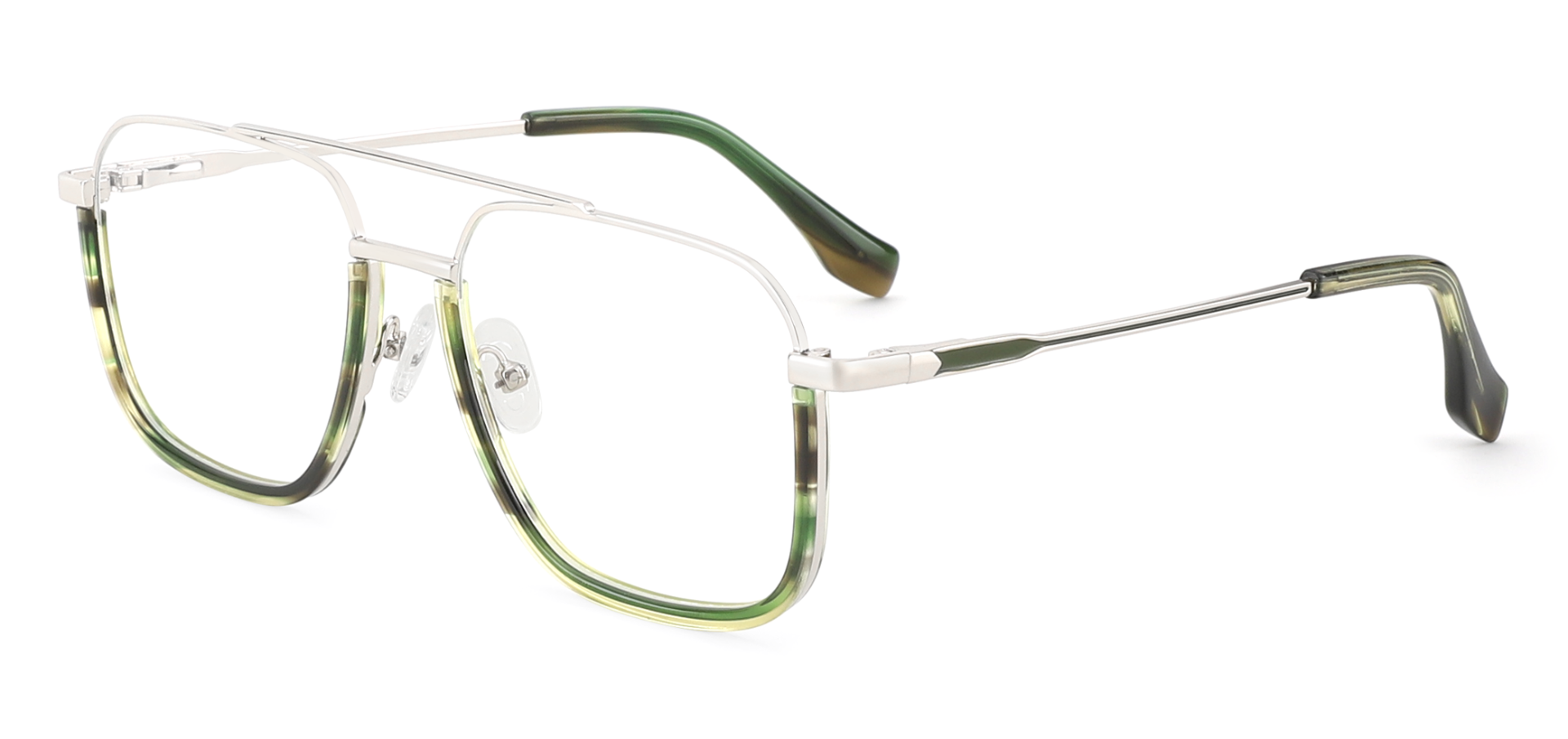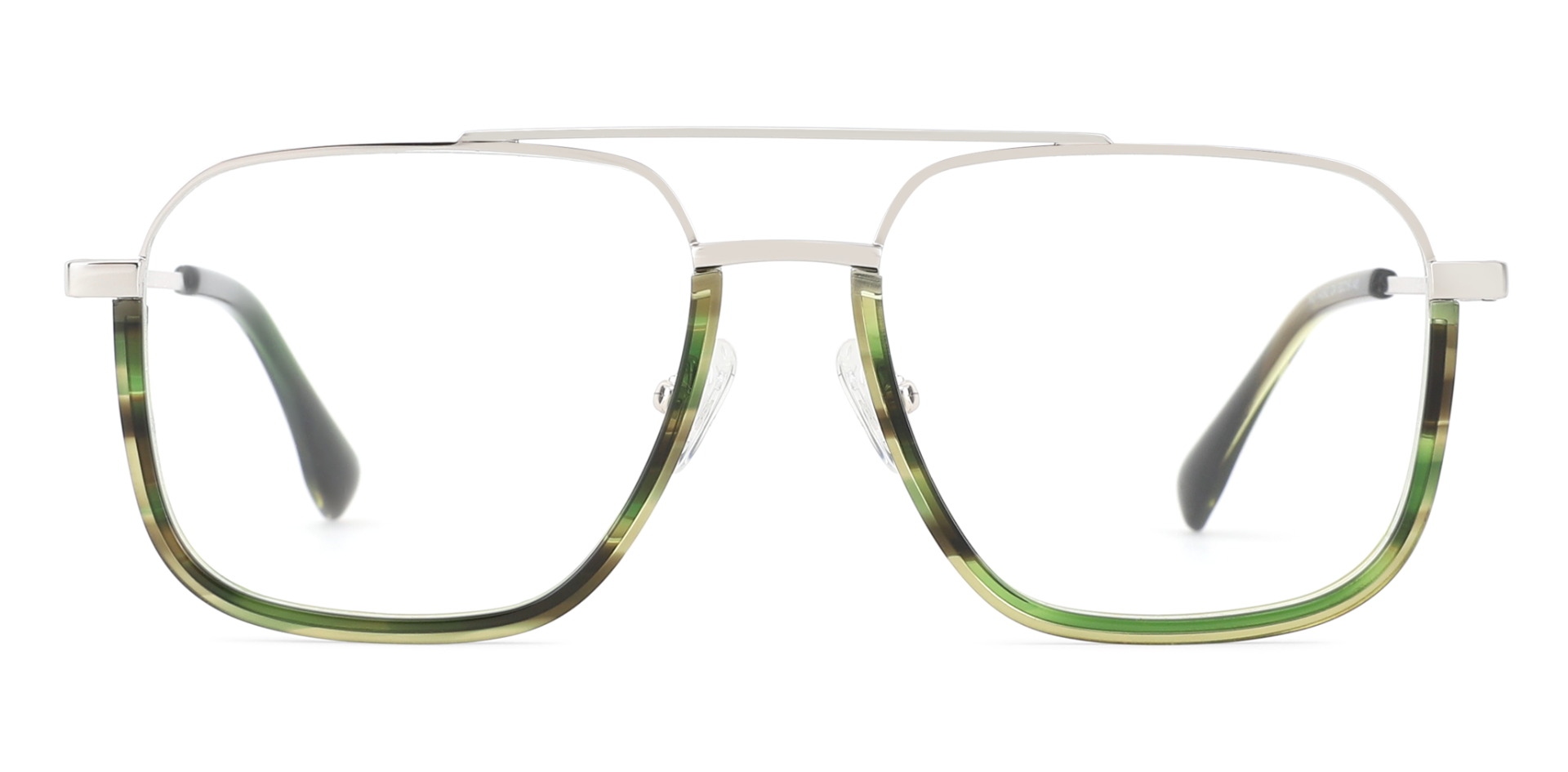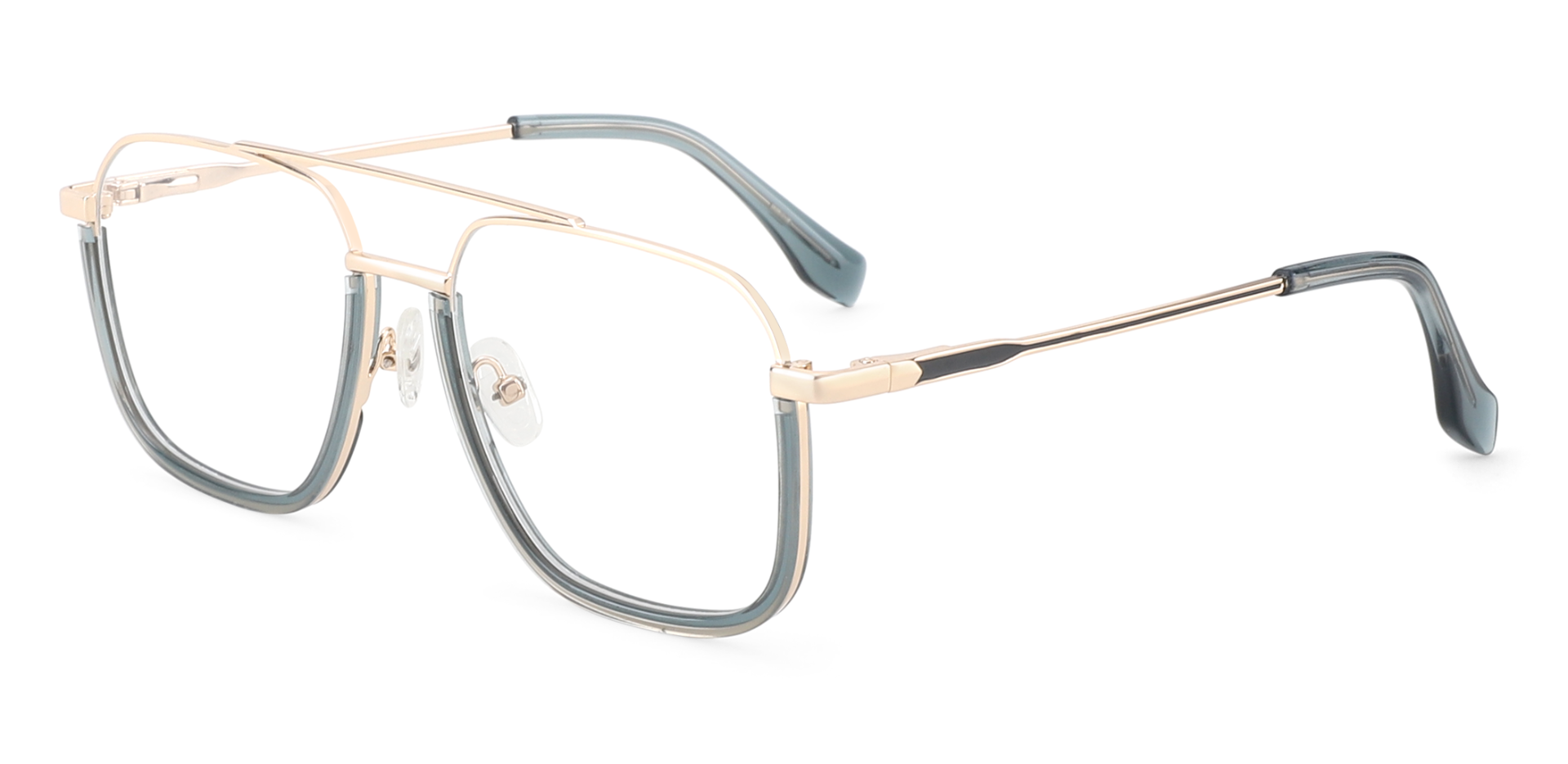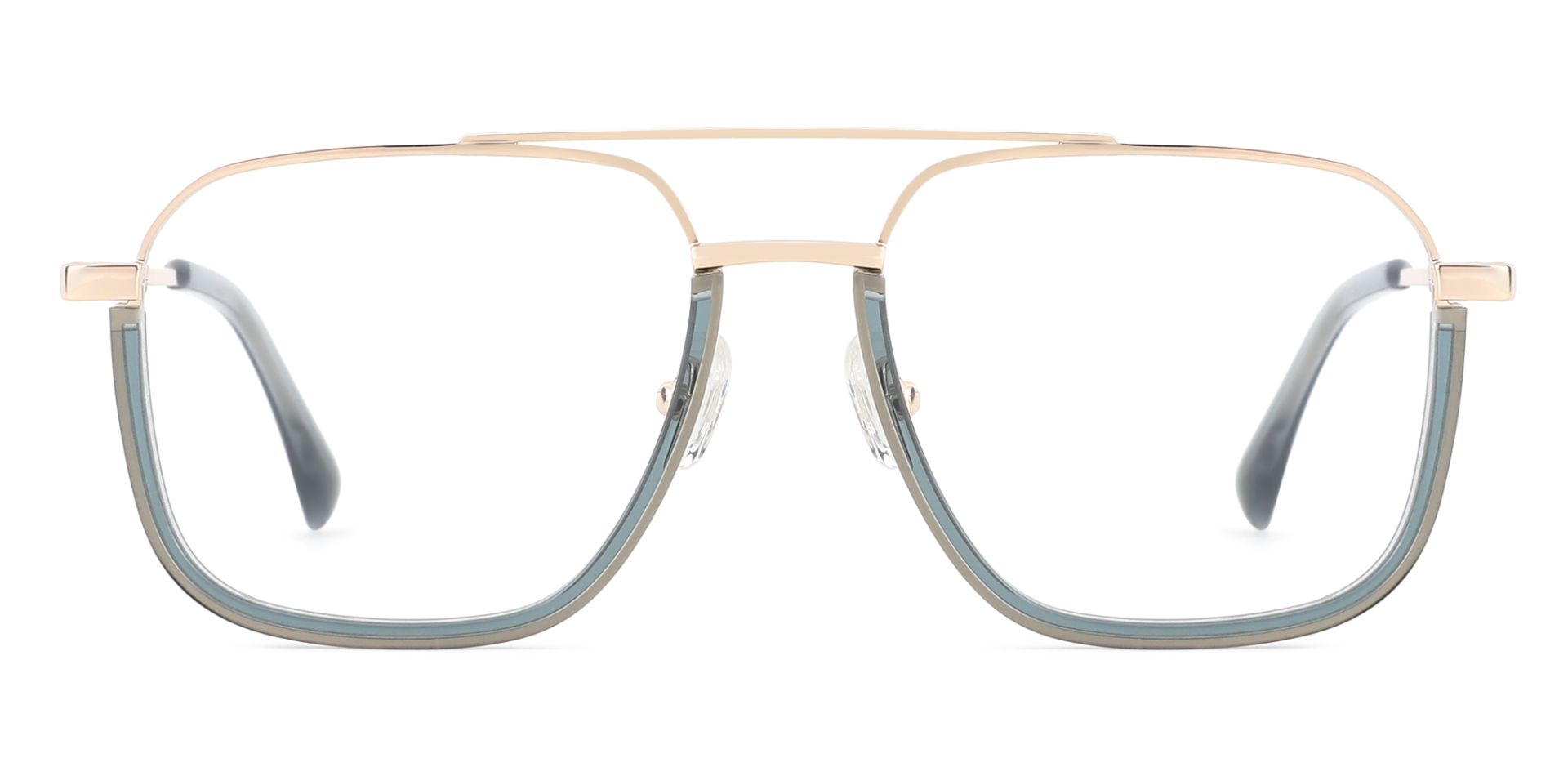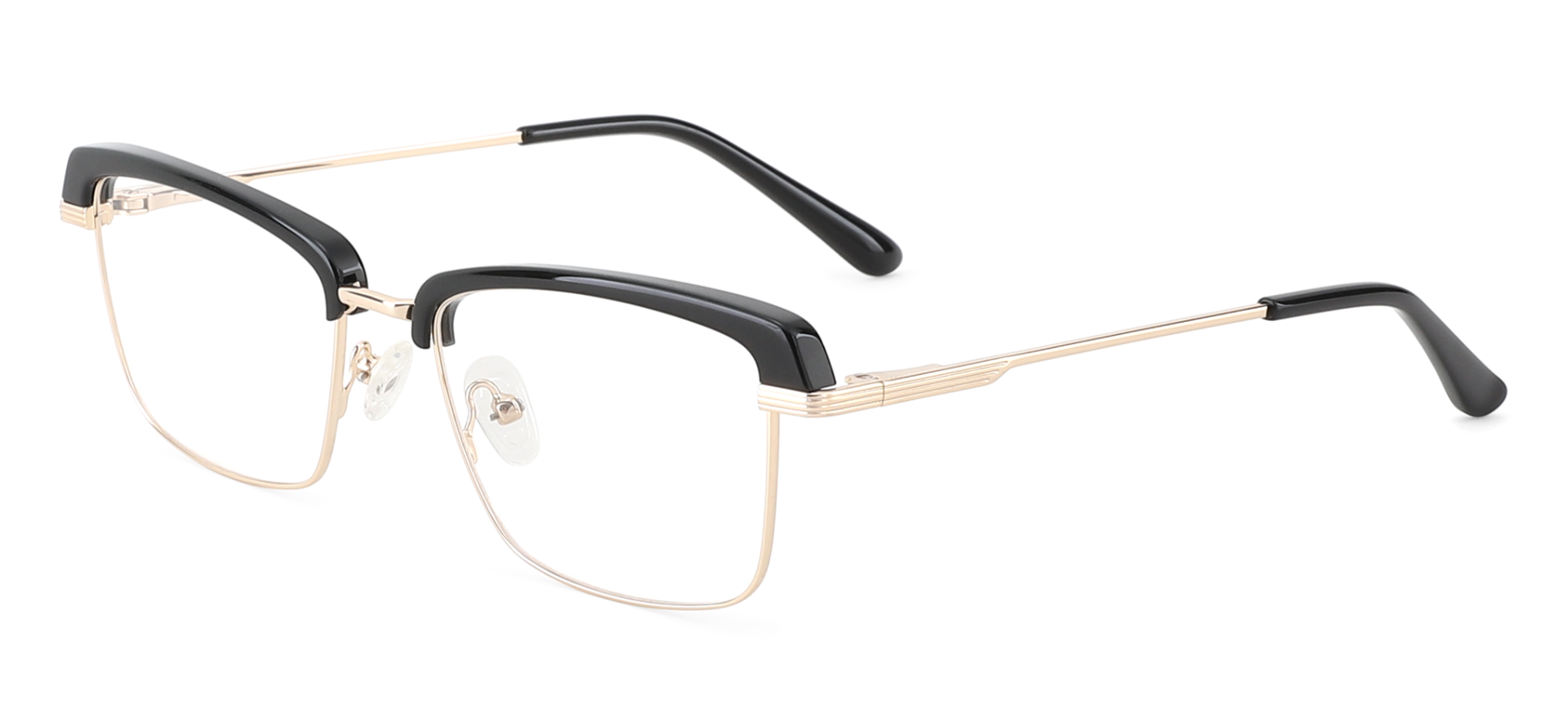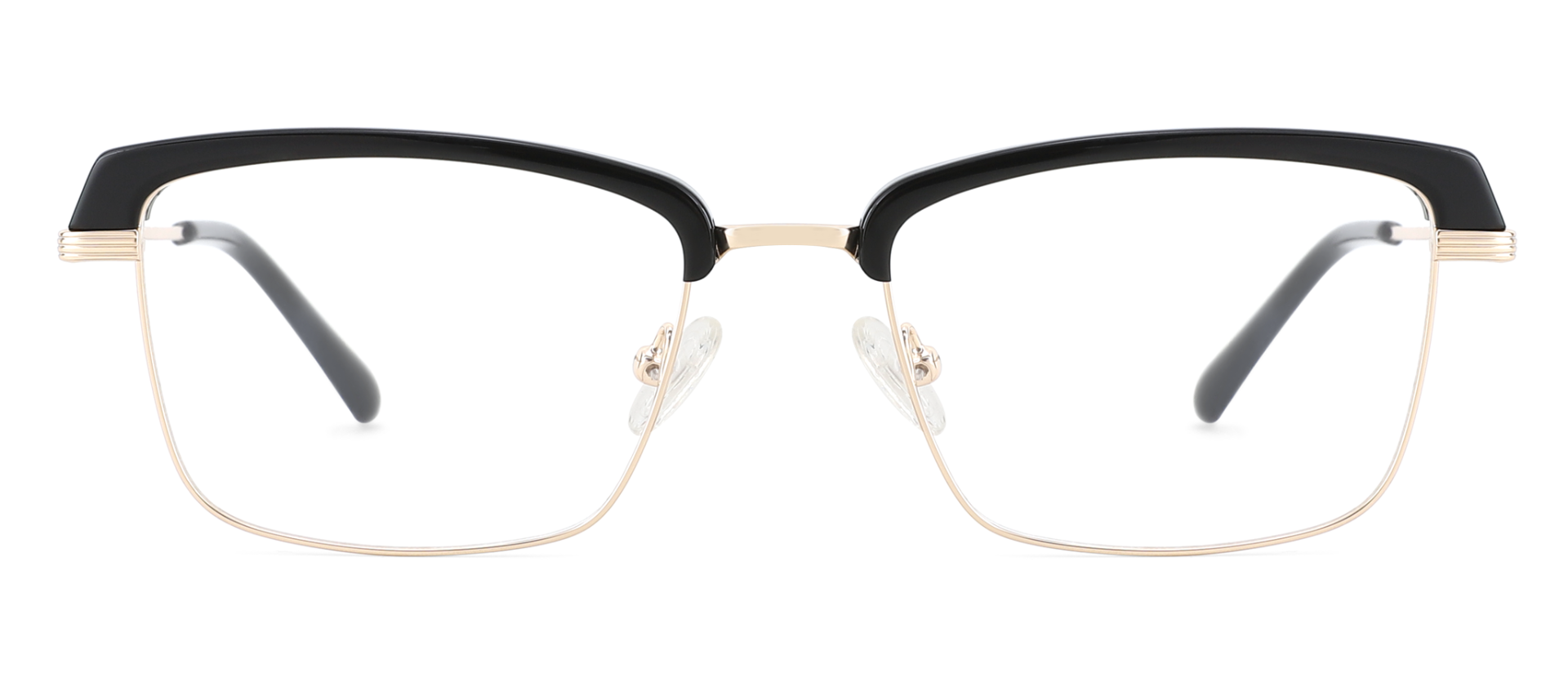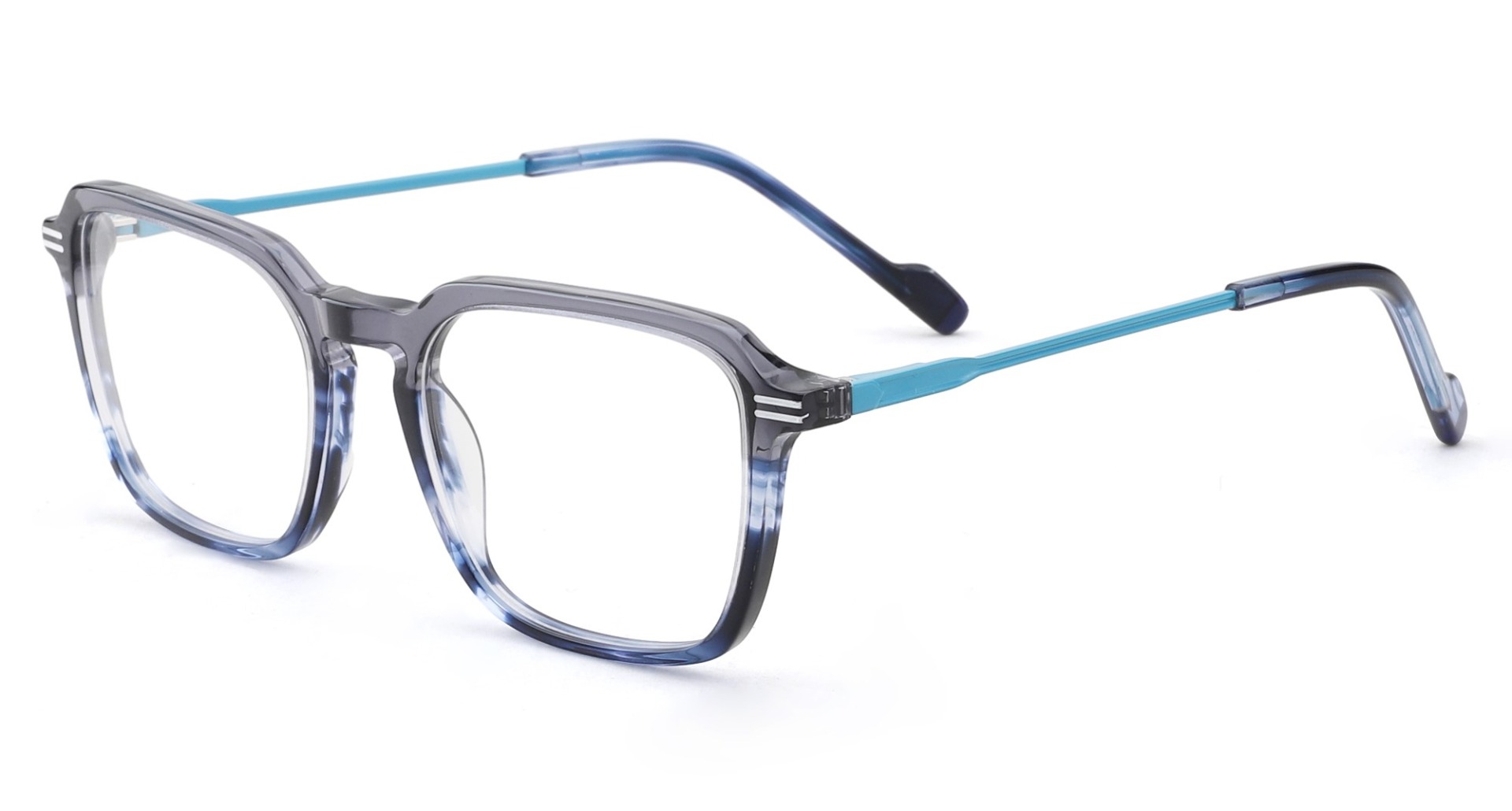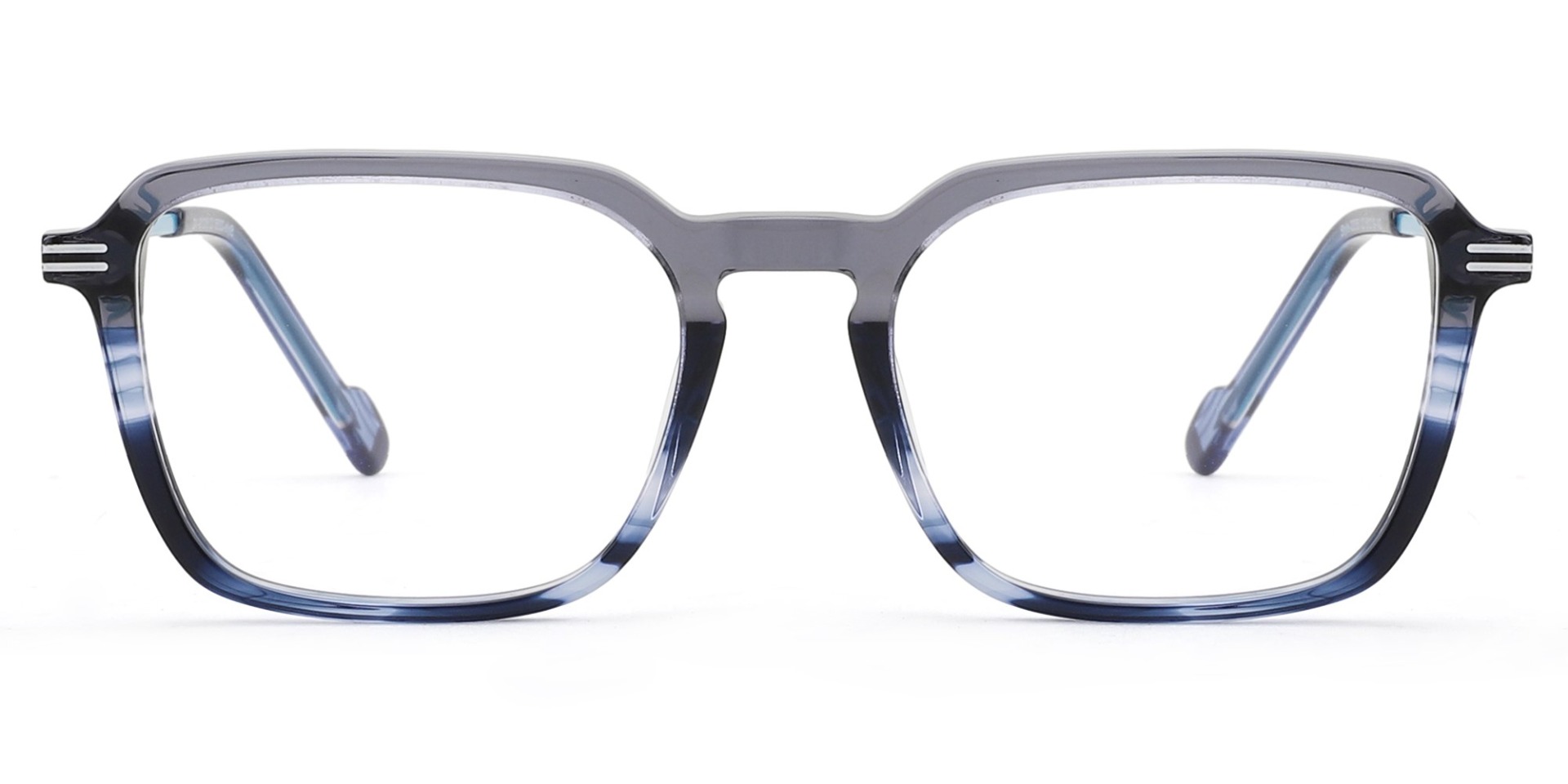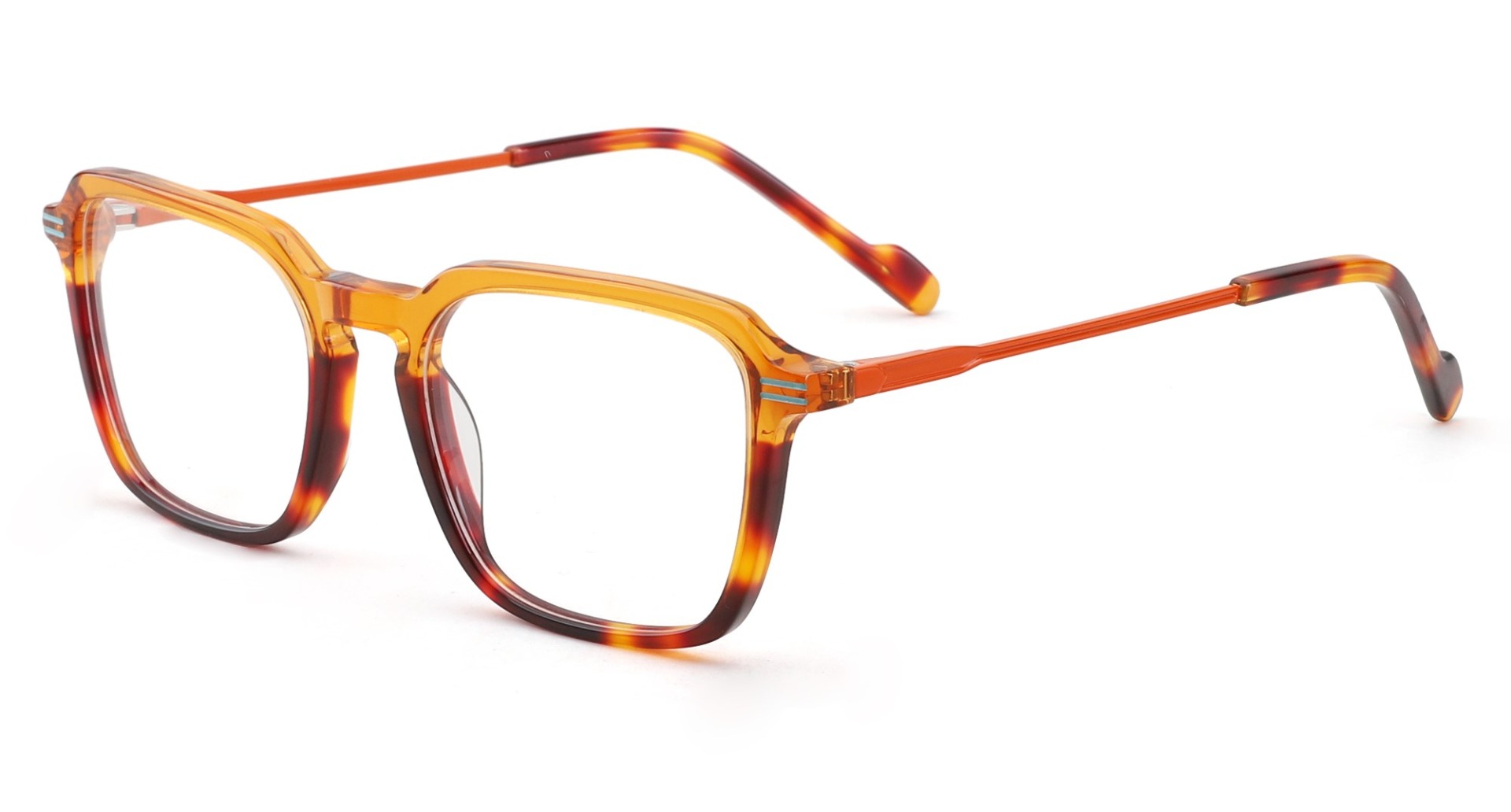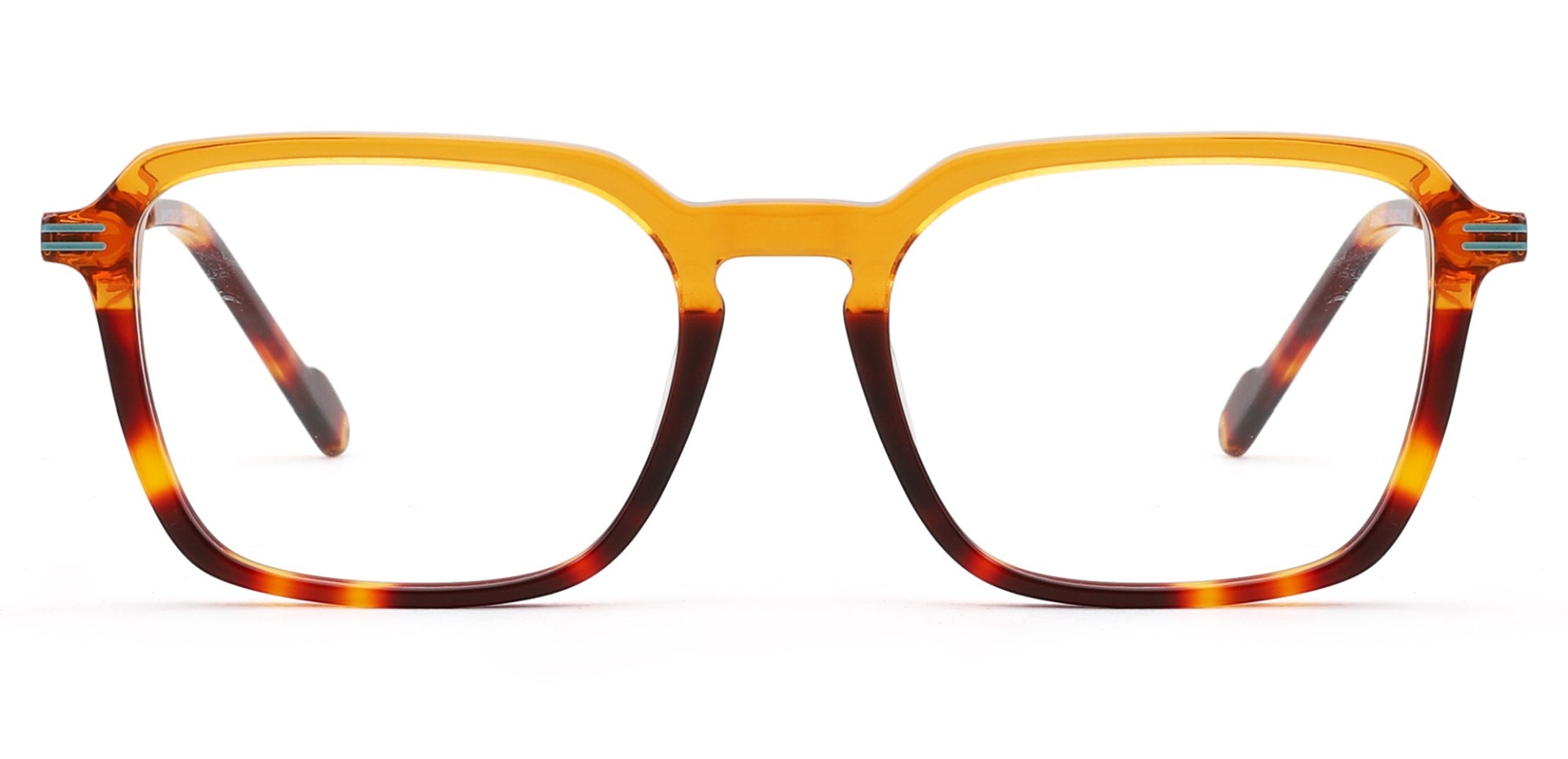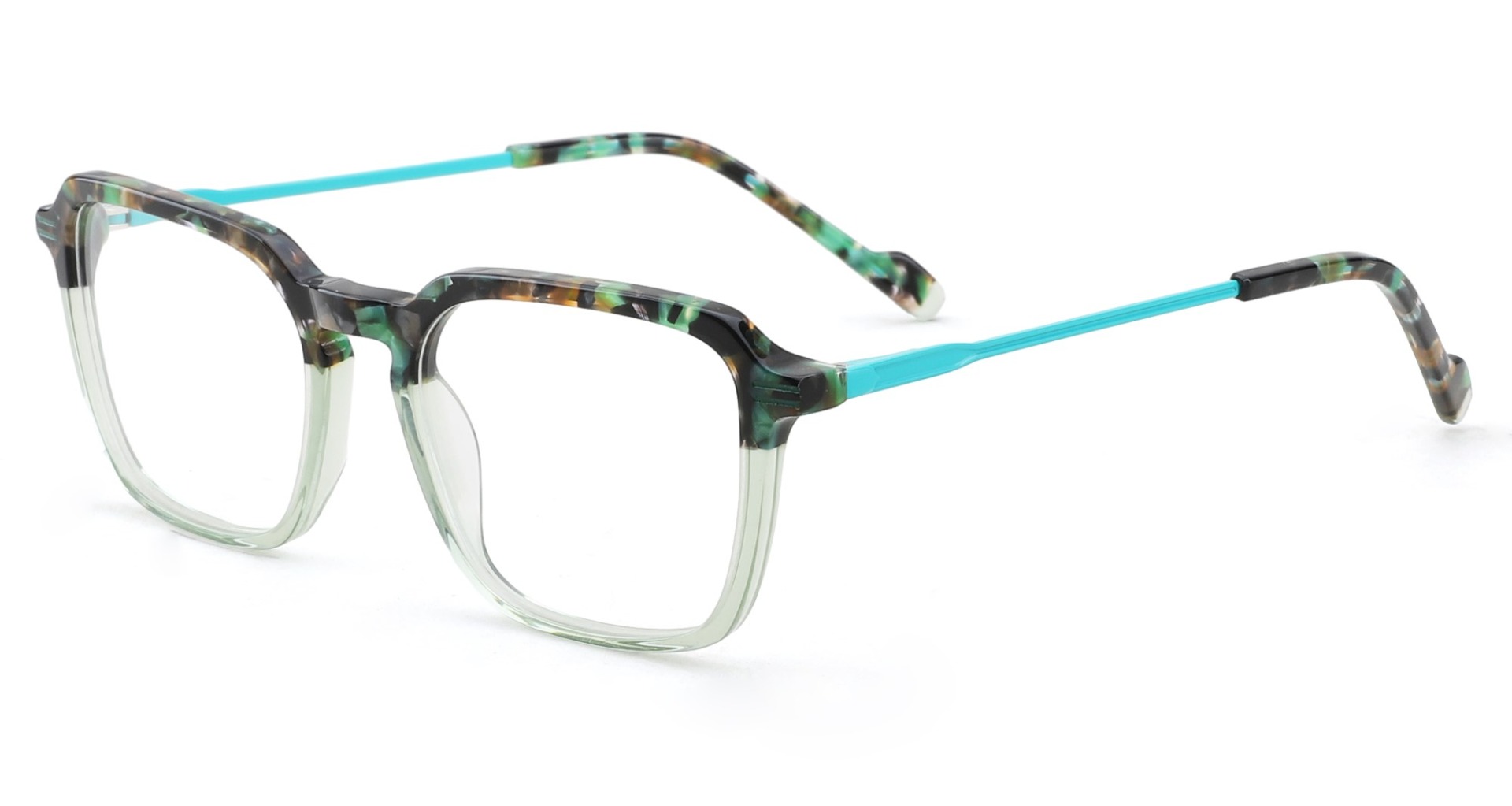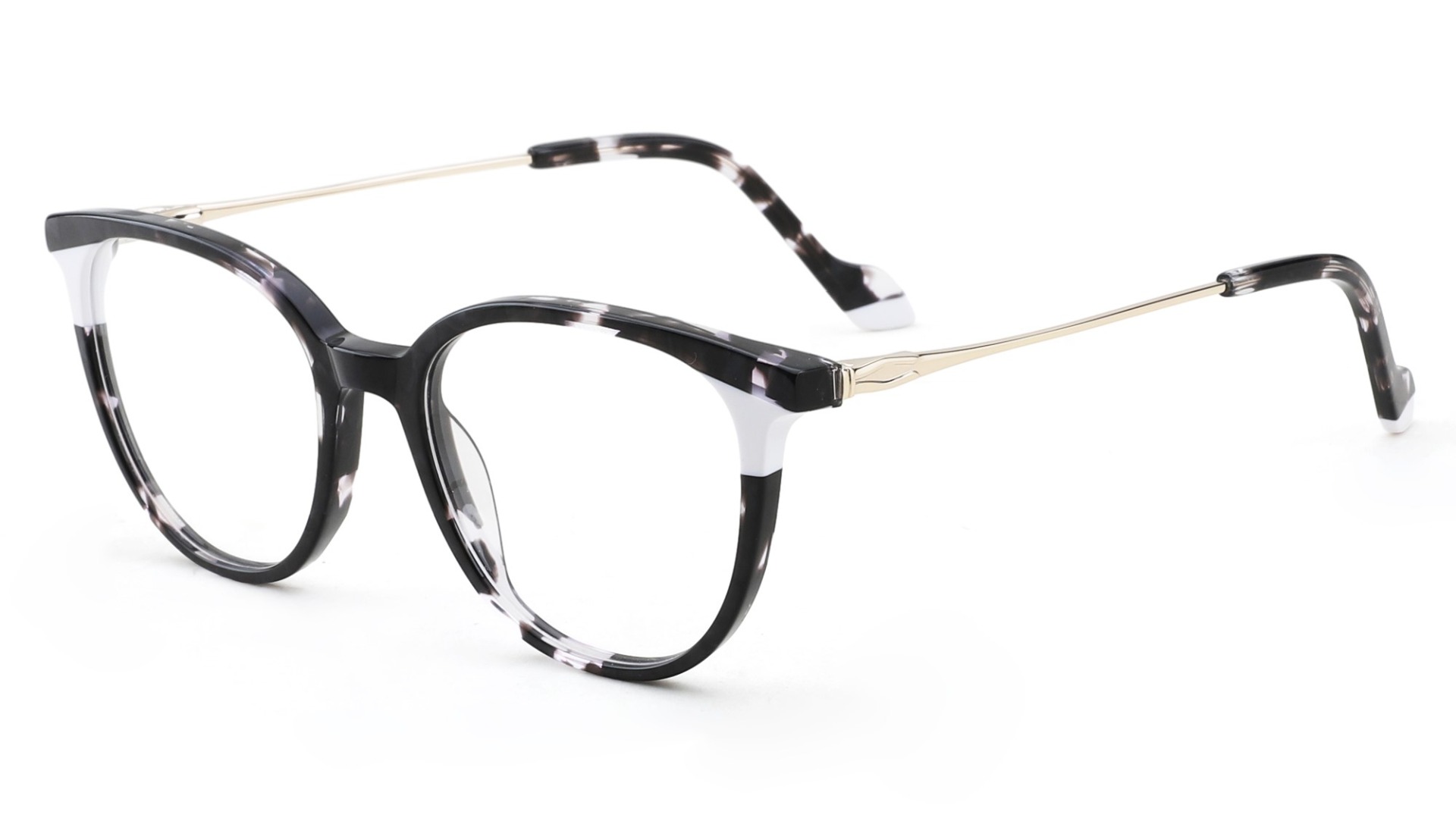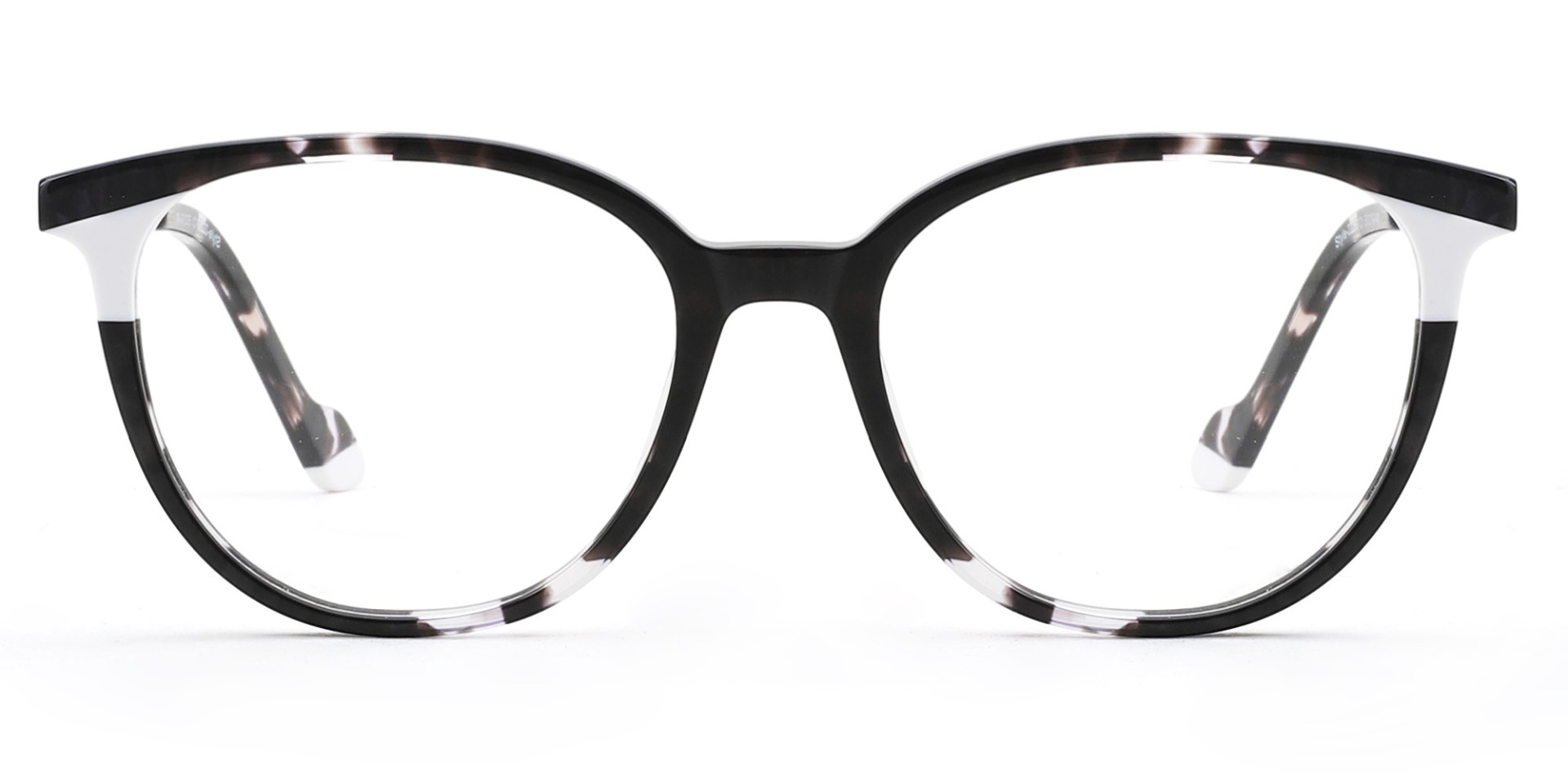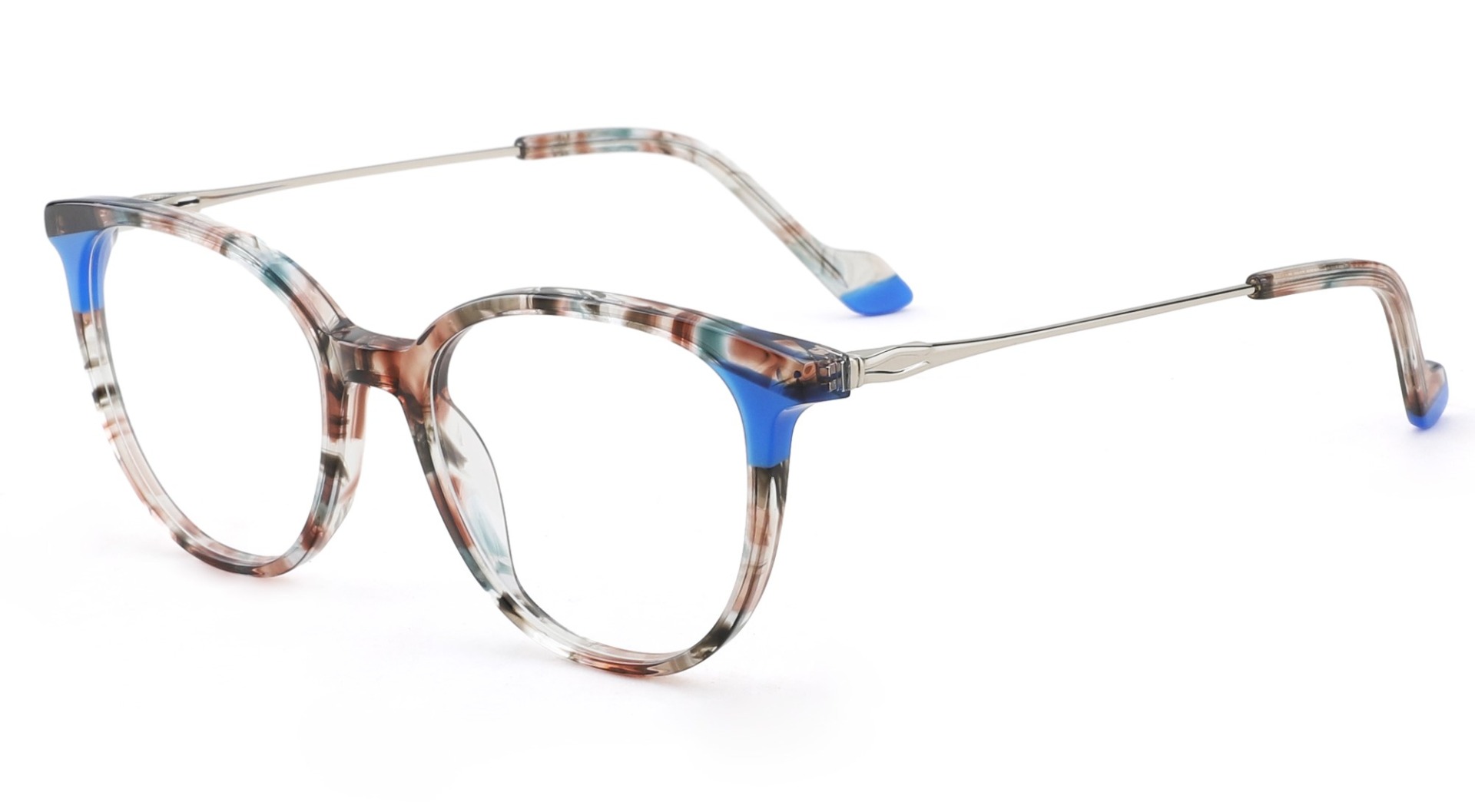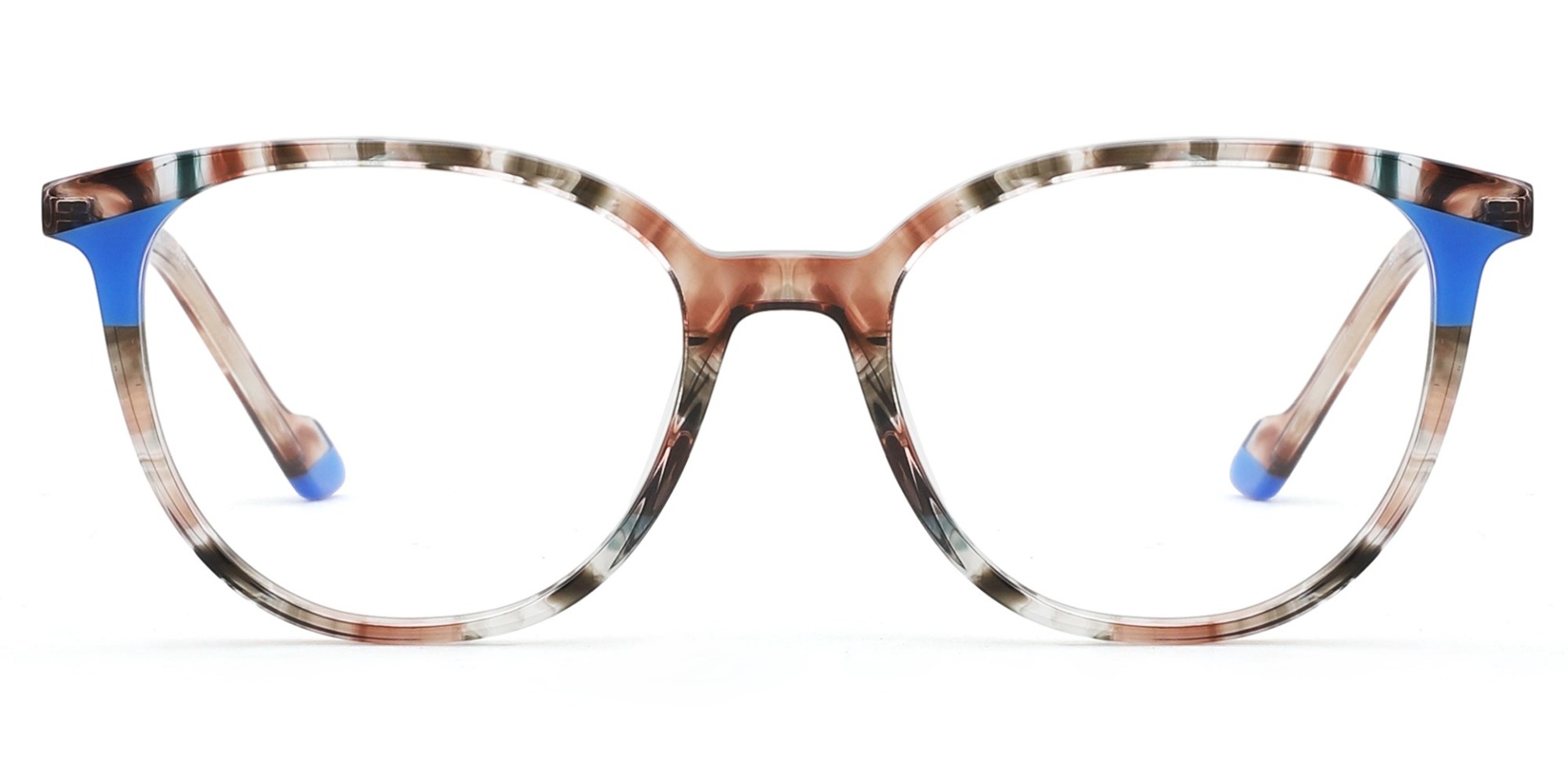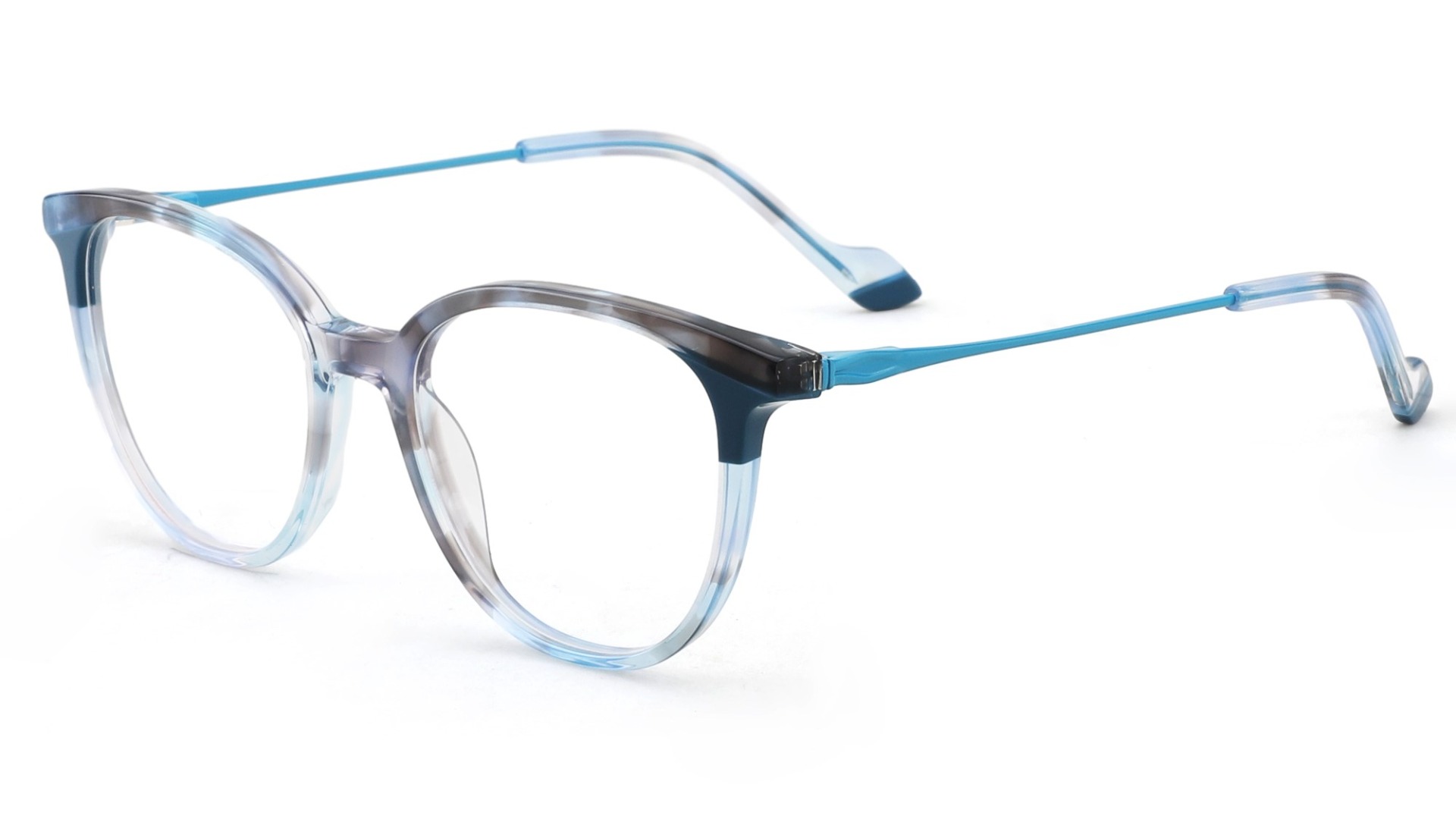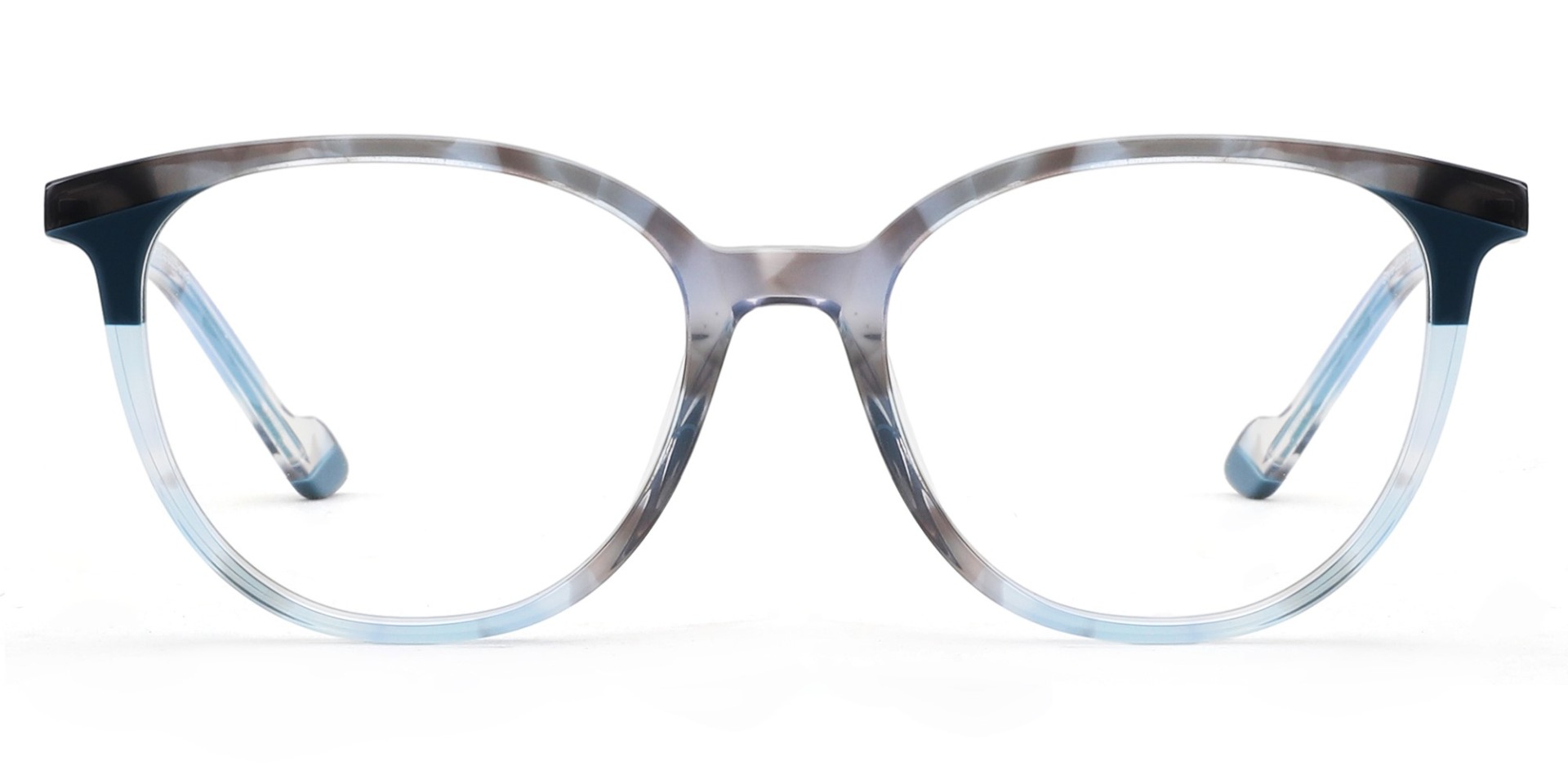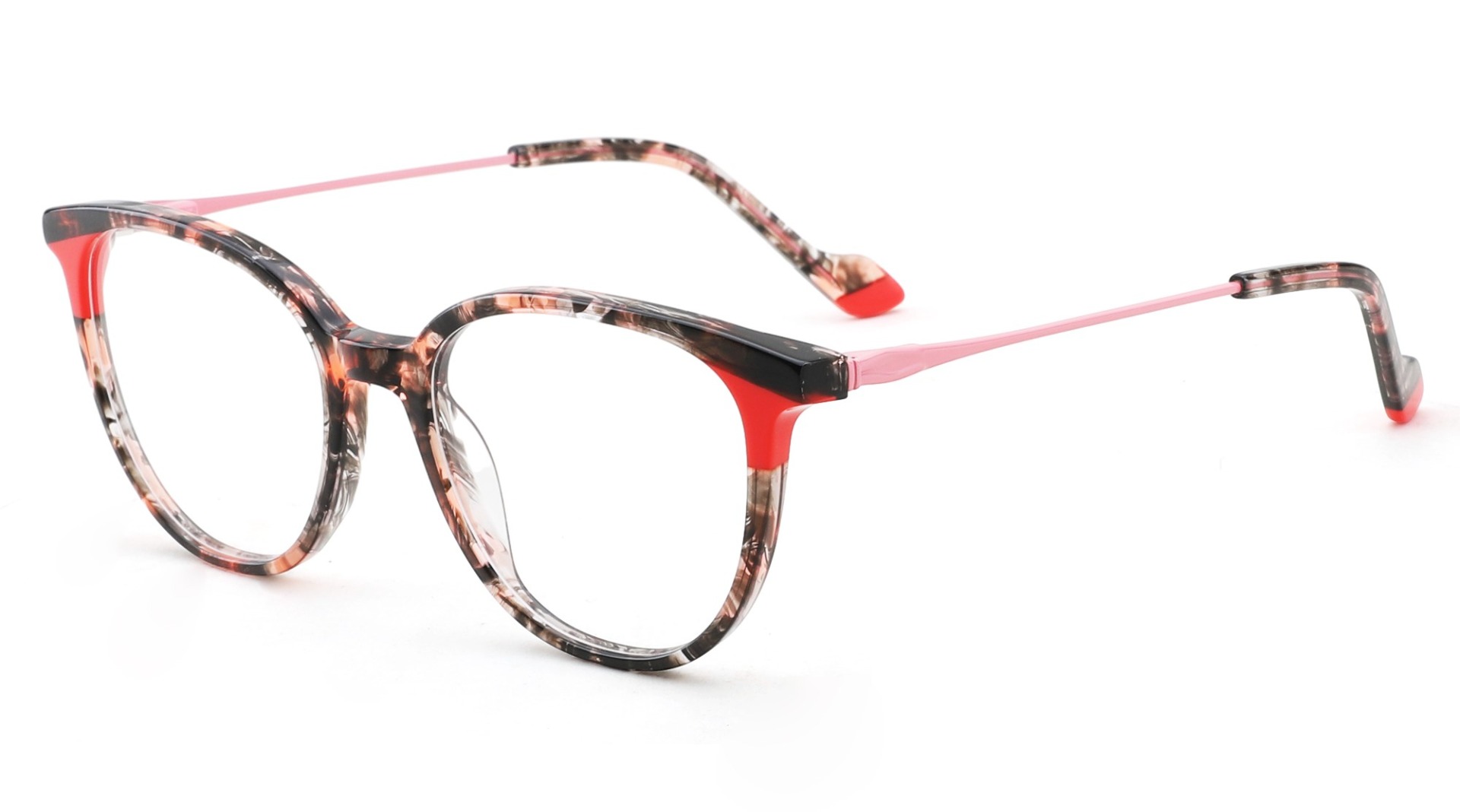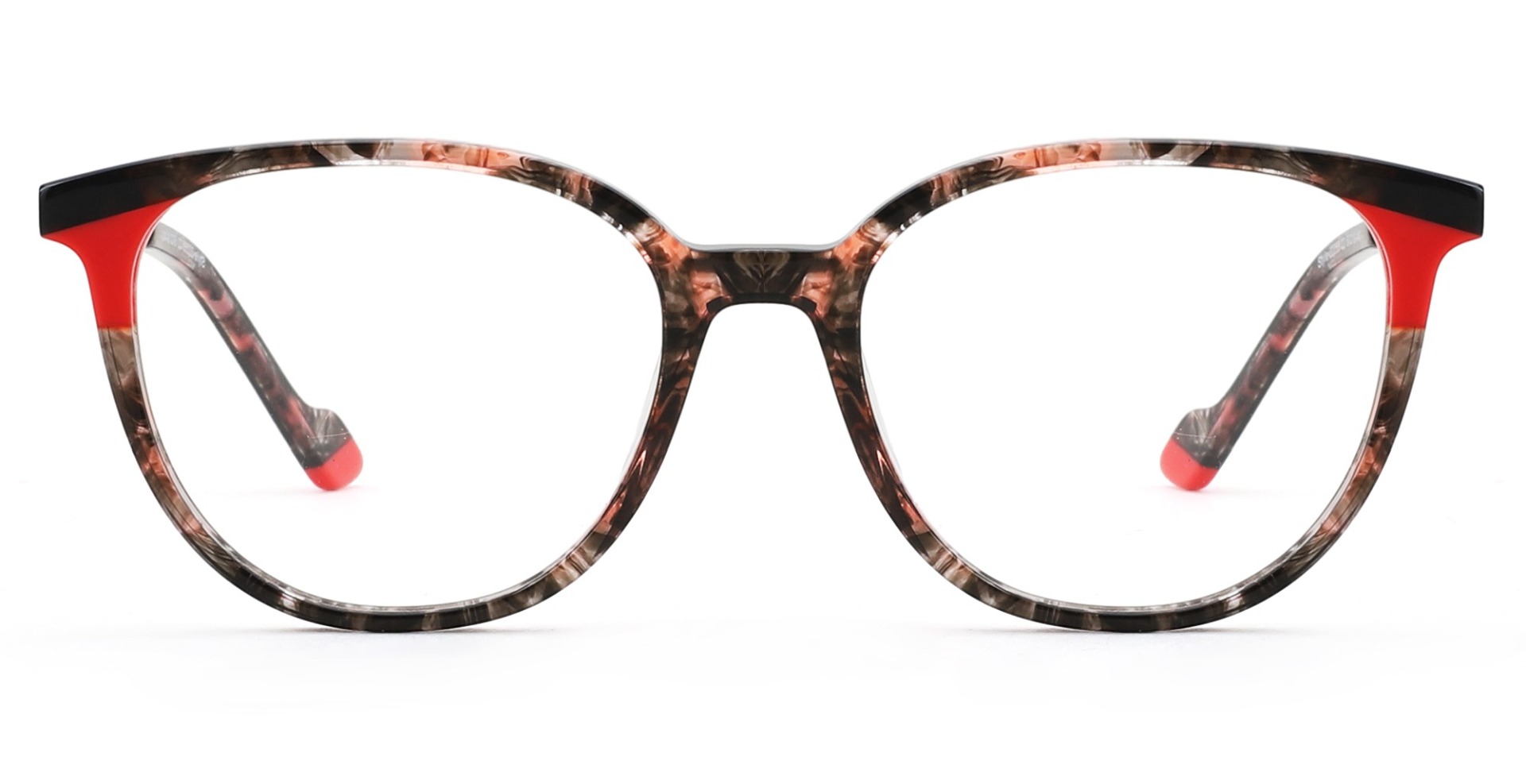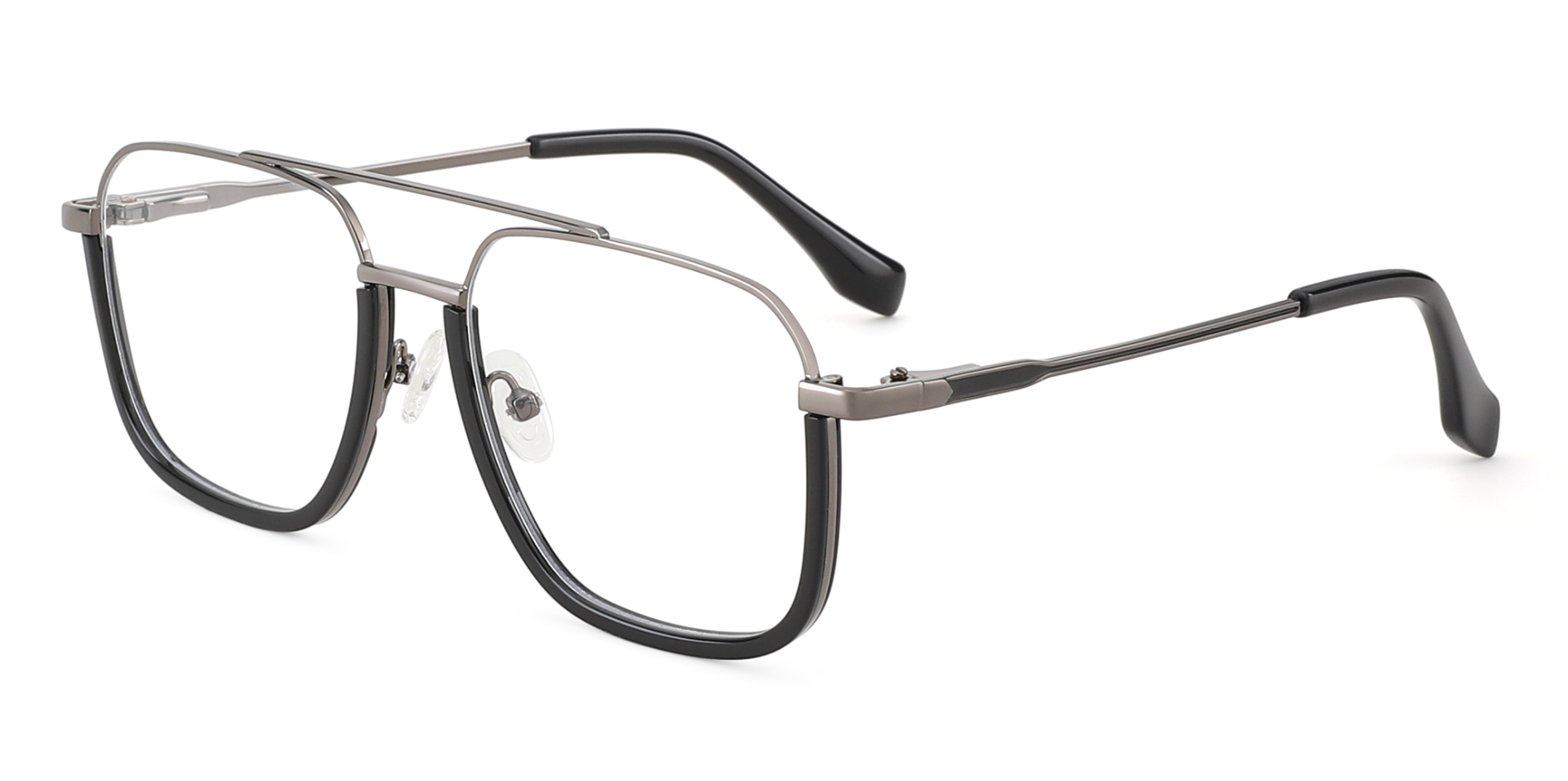
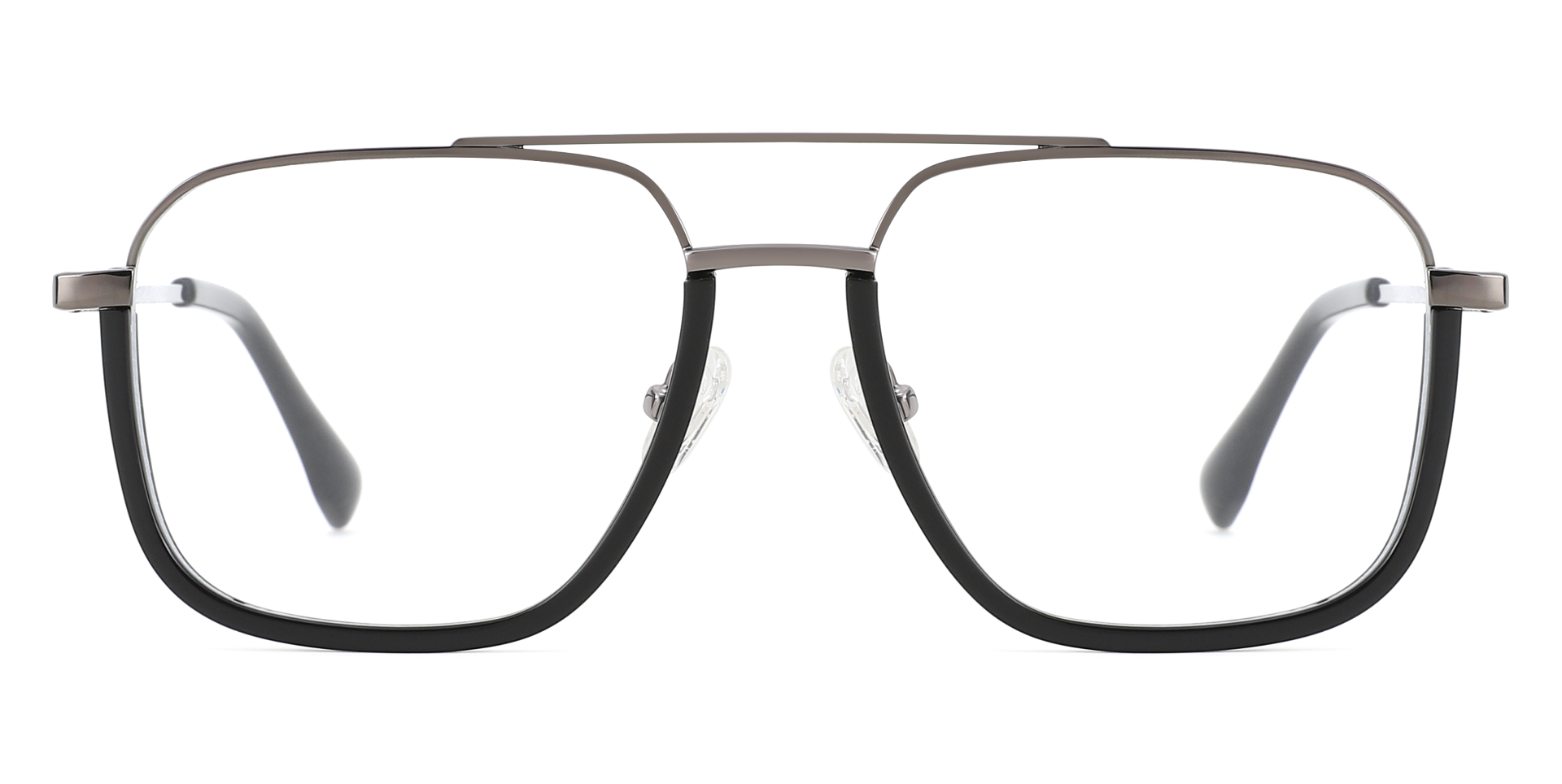
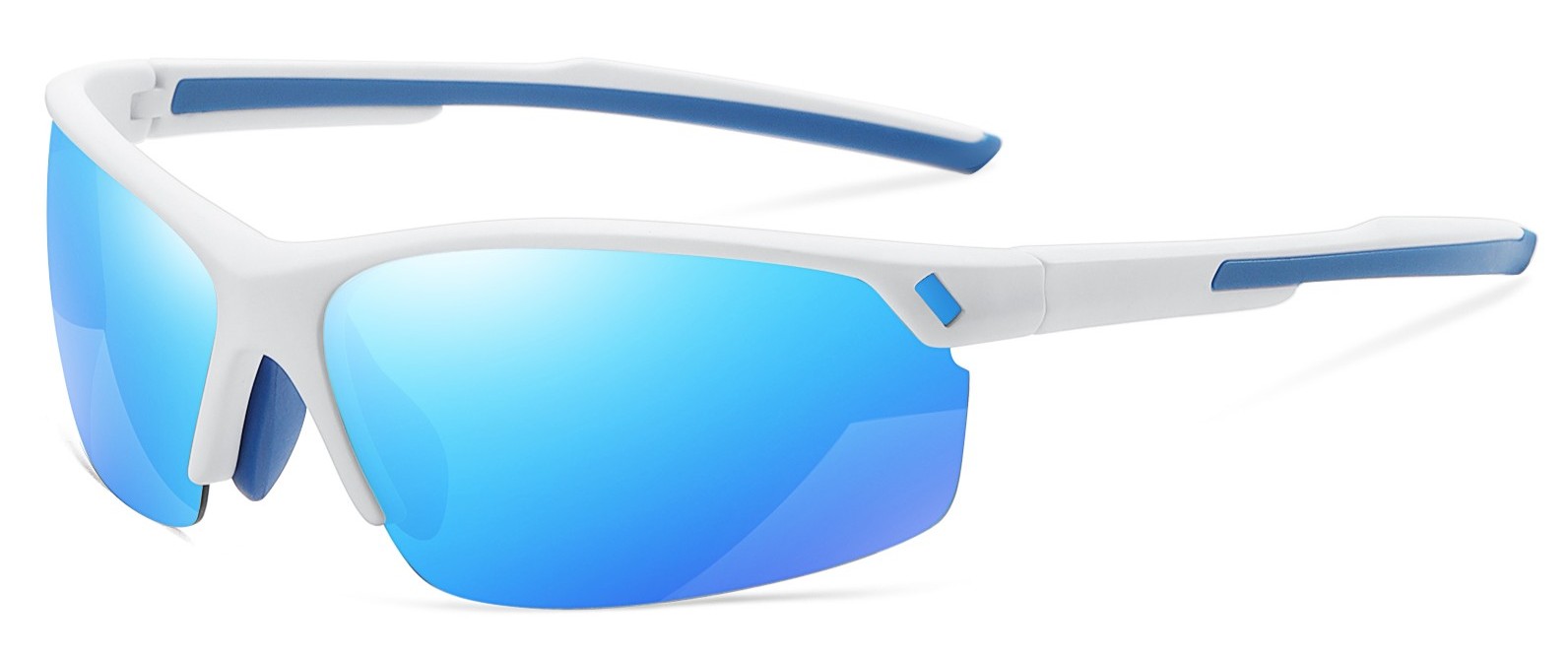
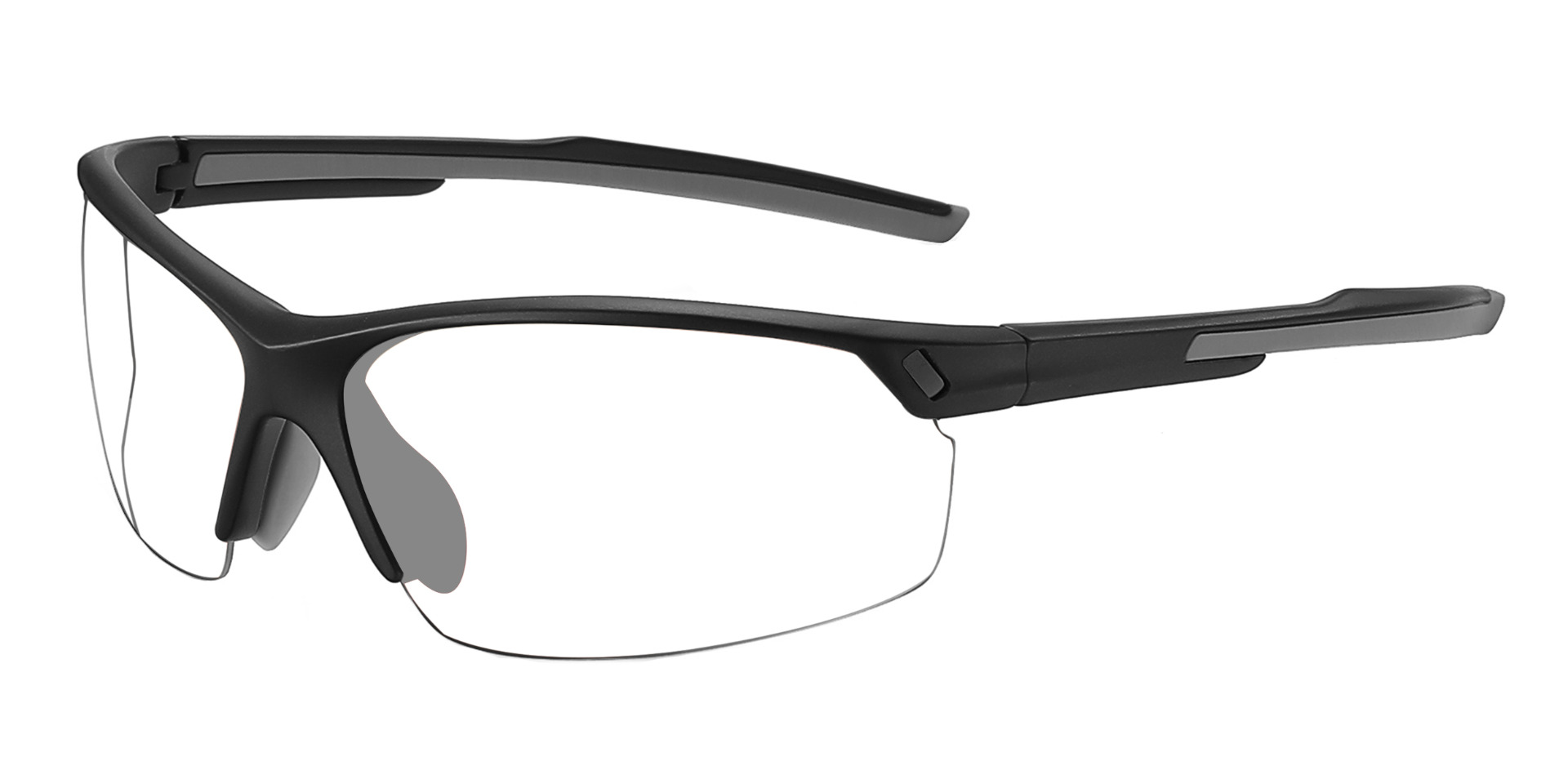
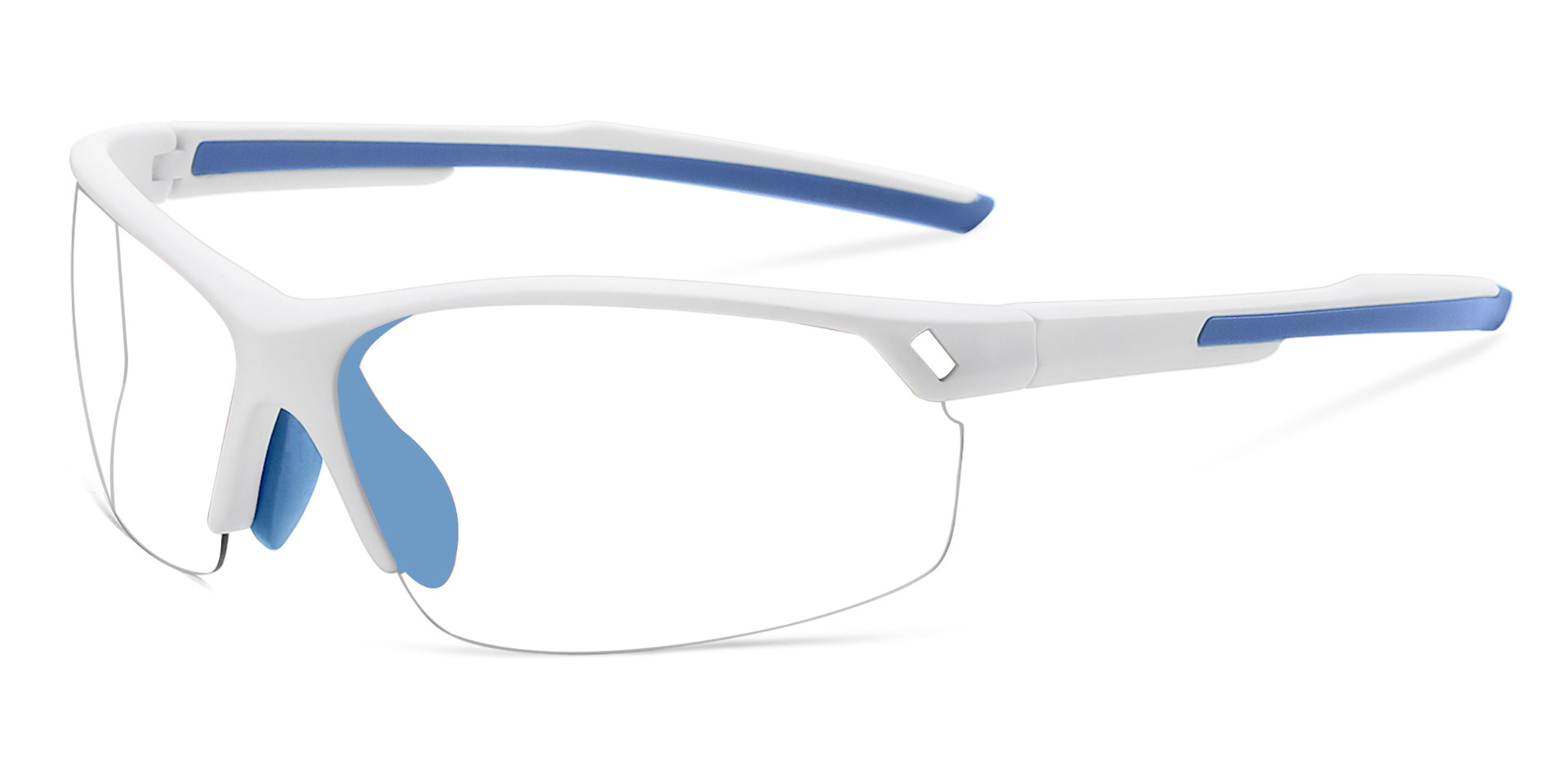
Addison Prescription Glasses Black
Bifocal
Progressive
Single Vision
Original price was: £104.24.£27.28Current price is: £27.28.
Screen-heavy days can leave your eyes feeling tired, dry or unfocused, especially when work, study and entertainment all happen on the same devices. RxSport UK offers computer glasses for office desks, home workspaces, gaming setups and everyday digital use, with frame and lens options suited to different prescriptions and viewing distances.
Our collection can include blue light glasses, anti glare glasses and prescription frames available with single-vision, bifocal or progressive lenses, depending on the model. Blue light filter glasses are designed to reduce selected wavelengths reaching the eyes, while anti-reflective treatments can help limit distracting reflections across the lens surface.
Finding suitable blue light glasses UK customers can wear comfortably starts with an accurate prescription, sensible frame measurements and an honest look at how screens fit into the day. Compare bridge width, lens depth, temple length and available coatings before ordering. Browse RxSport UK for blue light blocking glasses that feel balanced at your desk and remain comfortable through meetings, study sessions, browsing and evening screen time without constant adjustment.


Showing 1–12 of 63 results
End of content
End of content
Long periods at a laptop can be uncomfortable, but blue light is not the only factor involved. Reduced blinking, dry air, reflections, poor lighting, an unsuitable prescription and holding a screen too close can all affect how your eyes feel.
Computer glasses should be chosen around your viewing needs. A useful pair may combine accurate correction, a comfortable frame and a suitable lens treatment. Blue light filtering can be an option, but it should not replace breaks, sensible screen positioning or eye examinations.
Blue light glasses use a lens filter or coating that reduces wavelengths of blue-violet light reaching the eye. The amount filtered varies between products, and some lenses have a noticeable tint while others look clear.
Blue light blocking glasses are marketed for digital eye strain or sleep. Current evidence does not show a short-term advantage over ordinary lenses for reducing computer-related eye strain, while evidence for improved sleep remains uncertain. Treat the filter as an optional preference rather than a guaranteed solution.
When comparing blue light blocking glasses UK shoppers should review the lens description rather than assuming every coating works identically.
Anti glare glasses use an anti-reflective treatment intended to reduce reflections from the front and back surfaces of the lenses. This can make the lenses look clearer and may reduce distracting reflections from lamps, windows and screens.
A blue light filter targets selected wavelengths. An anti-reflective coating targets surface reflections. Some lenses combine both features, but the terms should not be used as though they mean the same thing.
Before ordering, check:
A prescription that is ideal for driving may not suit a monitor at arm’s length. Computer glasses can be made for distance, intermediate or near vision, depending on your prescription and workspace.
Single-vision lenses can be set for one working distance. Bifocals provide separate distance and near areas, while progressive lenses offer several viewing zones. Occupational lenses may prioritise intermediate and near tasks for desk-based work.
Use a current spectacles prescription and provide your screen distance when advised. Do not copy contact lens powers into a glasses order because the values may differ.
A desk frame should remain comfortable through meetings and work. Compare the overall width, bridge size, lens depth and temple length with glasses that fit well.
The frame should sit level without sliding. Temples should rest comfortably behind the ears, and the lower rims should not touch your cheeks. Deeper lenses can provide room for progressive or occupational viewing zones.
Headsets and headphones can press thick temple arms into the sides of the head. Try to choose a frame that works with the equipment you use every day.
Even the best computer glasses cannot correct an uncomfortable workstation on their own. Small changes can make screen sessions easier:
Dryness, headaches or blurred vision can have several causes. Persistent symptoms should be discussed with an optometrist rather than managed only by buying a lens coating.
RxSport UK brings together computer glasses in different frame shapes and prescription configurations. Depending on the product, shoppers can compare single-vision, bifocal and progressive options alongside available coatings.
When browsing blue light glasses UK collections, begin with prescription accuracy and frame fit. Then consider whether filtering, anti-reflective treatment or another lens option suits you. The right pair should feel natural at your usual screen distance and comfortable through work, study or relaxation.
Research has not shown a clear short-term benefit over standard lenses for reducing computer eye strain. Correct prescriptions, breaks, blinking, suitable lighting and screen positioning remain important.
No. Blue light filter glasses reduce selected wavelengths, while anti-glare coatings reduce reflections on lens surfaces. A lens may include one feature or both.
Selected frames may support single-vision, bifocal or progressive prescription lenses. Suitability depends on your optical values, chosen frame and normal working distance.
Evidence is uncertain, so they should not be treated as a guaranteed sleep aid. Reducing bright screens before bed may be more useful.
They should sit level without pinching, sliding or touching the cheeks. The temples should remain comfortable with any headset, and the lenses should provide a clear view at your normal screen distance.
Be the first to know about our new arrivals, exclusive offers and the latest fashion update.
By subscribing, you agree to our privacy policy.
We have something special for you
Use above code to get 20% off for your first order when checkout. Don't miss it.


In order to provide you a personalized shopping experience, our site uses cookies. By continuing to use this site, you are agreeing to our cookie policy.
Don't have an account yet? Sign up
No items in your cart. Go on, fill it up with something you love!
Start Shopping Now